Free in-browser converter
PDF to MD Converter
Updated · pdftomd.tools team
Pdf to md turns the text inside a PDF into editable Markdown. This free tool runs in your browser with Mozilla's pdf.js, keeps headings, lists, and tables, and uploads nothing, so you can paste the result into notes, docs, or a model chat.
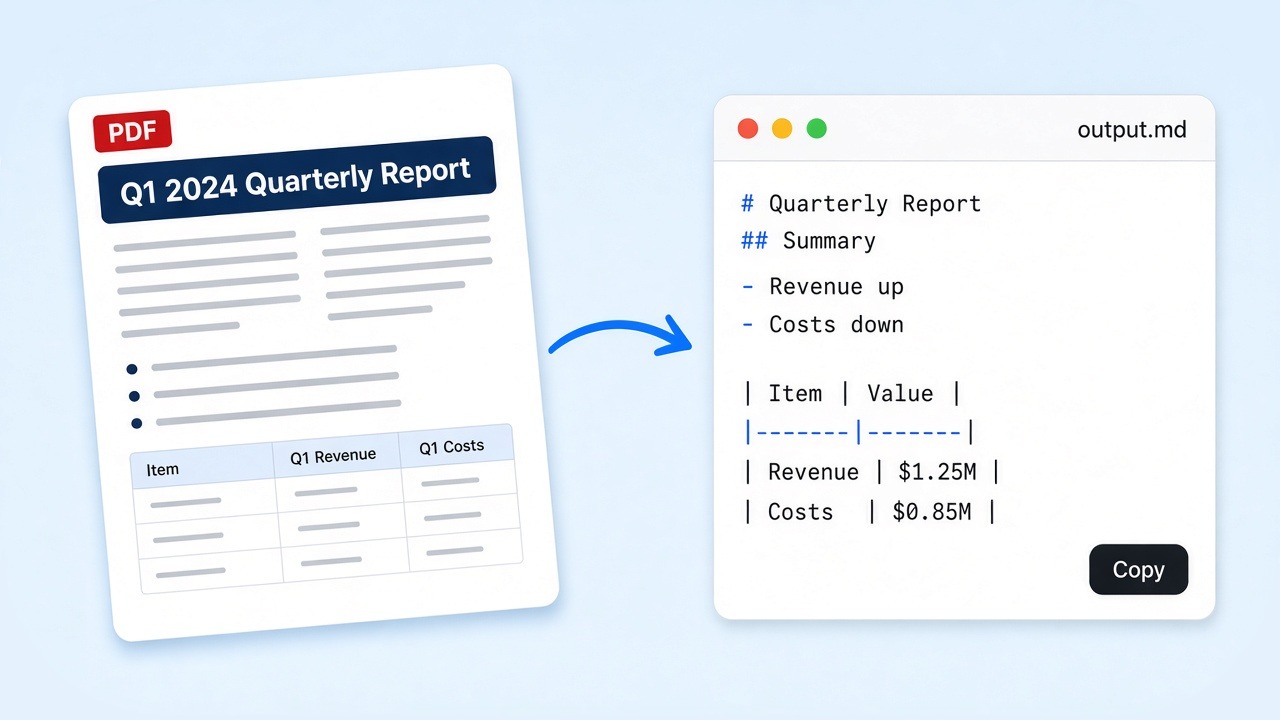
Open the workspace below to start pdf to md on a file you choose. Drag a document in, preview the Markdown, then copy or download. Flip the direction only when you need Markdown rendered back as a printable file.
Source PDF
Drop a PDF here, or click to browse
Text PDFs only. Scans need OCR, which this tool does not run.
Markdown preview
Markdown output will appear here.
How pdf to md works
Four short steps, all inside this browser tab.
 01
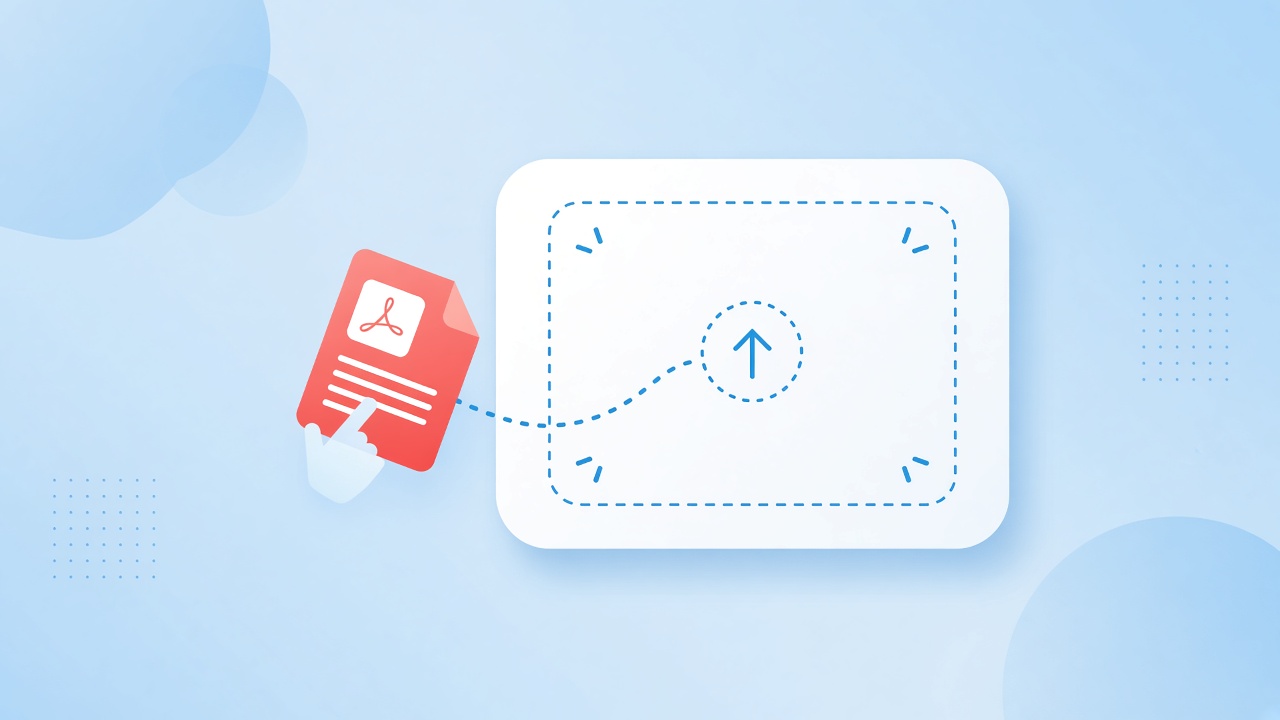
01Drop the file
Drop a text-based document onto the upload area or click to browse. The pdf to md run stays on your device.
Go to the tool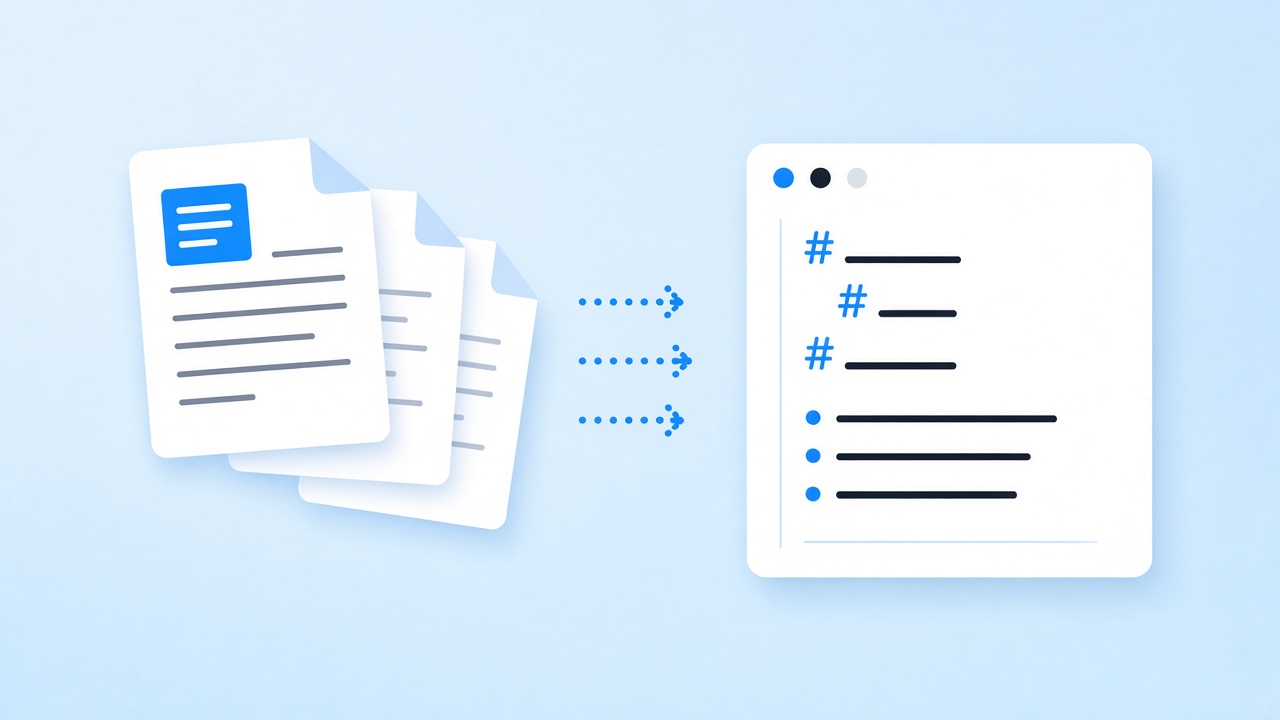 02
02Read and assemble
Give the page a moment to read the file and assemble Markdown.
Go to the tool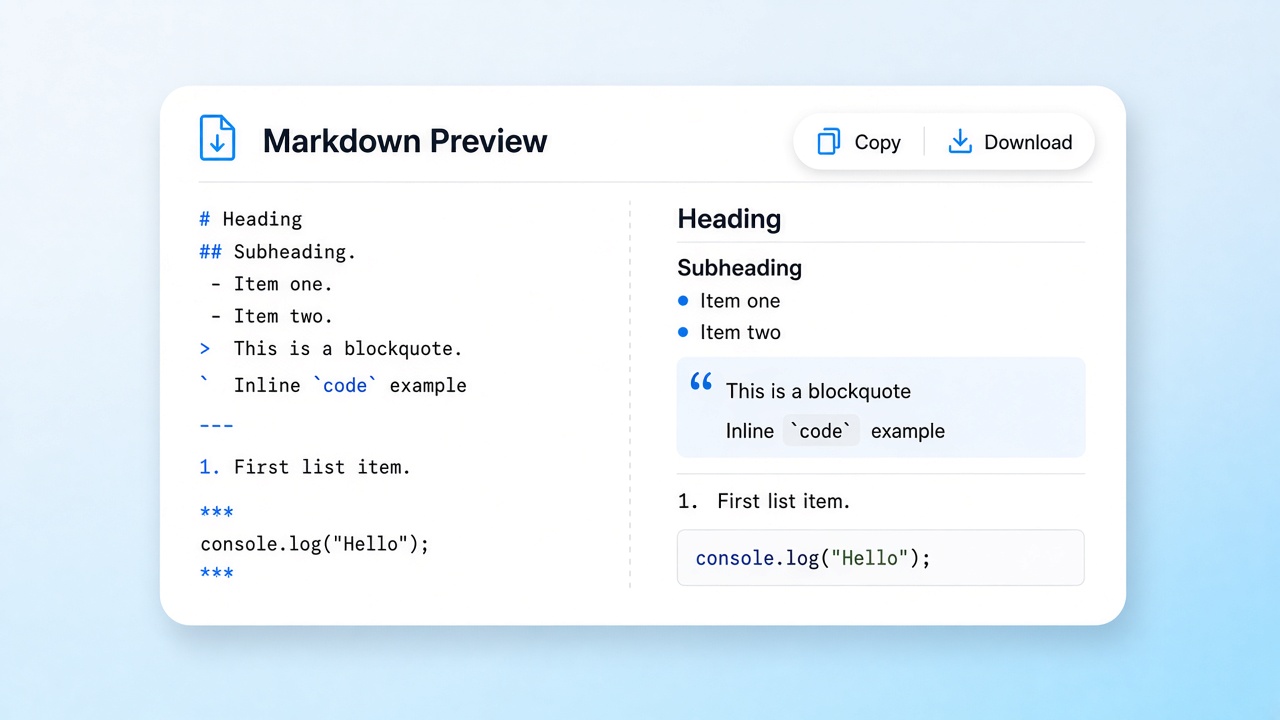 03
03Preview and copy
Check the preview. Tidy a line if needed, then copy or save the Markdown output.
Go to the tool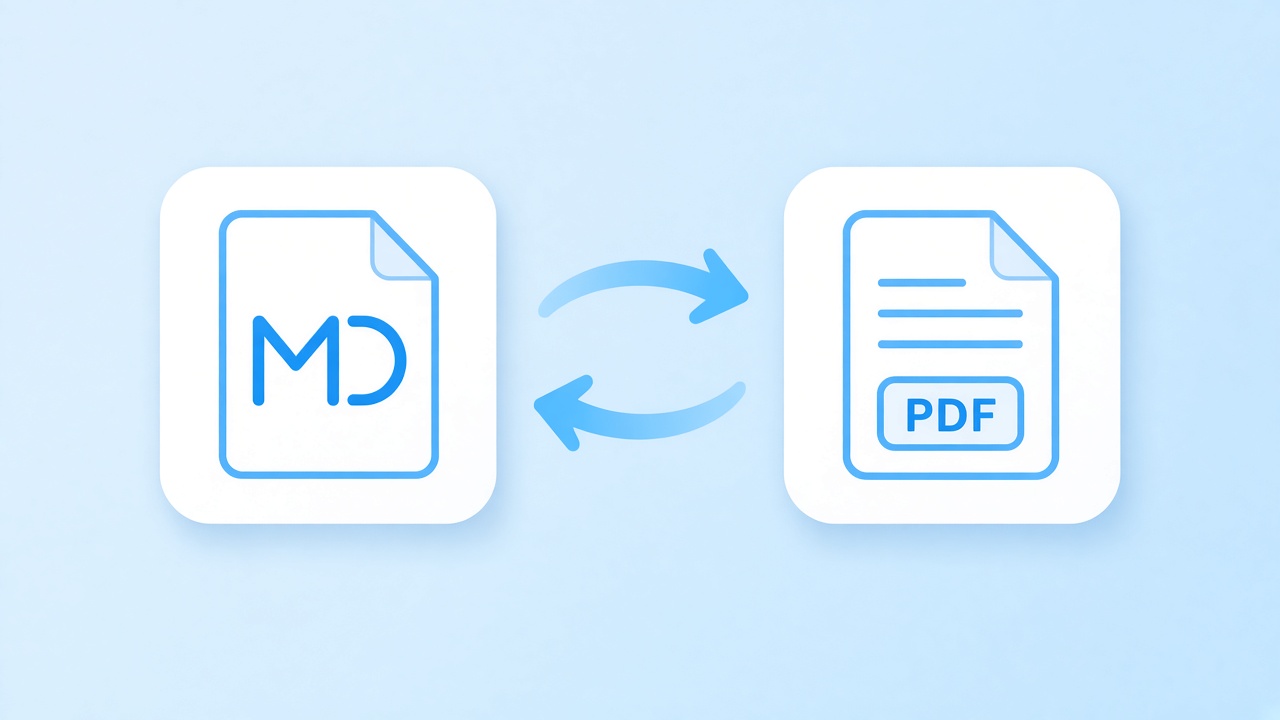 04
04Flip direction
Want the reverse path? Open the reverse converter page and keep moving without installing another desktop app.
Reverse converter
What is pdf to md
Pdf to md means converting a Portable Document Format file, standardized as ISO 32000, into Markdown, the plain-text format John Gruber published in 2004 and now used in READMEs, wikis, and many writing apps. People look for pdf to md when they need structure they can edit, version, or feed to models rather than a locked print layout. The tradeoff: you gain editable text; pixel-perfect pagination is not the goal.
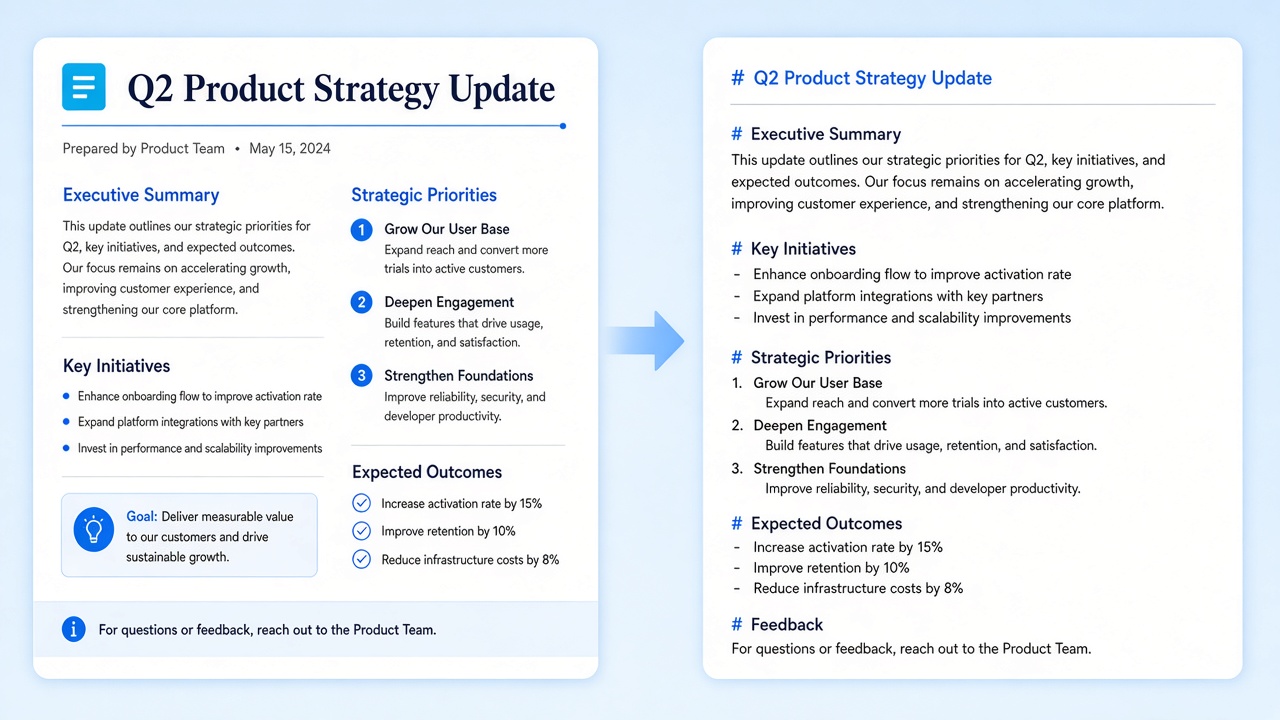
Our free pdf to md path keeps headings, paragraphs, lists, and tables when the source has a real text layer. In our tests, an 11-page report exported to PDF and converted back kept all 12 second-level headings, 4 tables, and 48 paragraphs. Image-only scans are not OCR’d, so they come out empty.
- Headings, paragraphs, lists, and simple tables
- Code blocks from monospace text
- Best results on files with real text layers
What structure you keep with pdf to md
A pdf to md pass keeps title hierarchy when the source sets headings in larger type, plus bullet and numbered lists, simple tables, and monospace runs as code blocks. Bold and italic are not carried over yet. Figures are not exported in this free pdf to md pass; if the job is figure-heavy, plan a separate image step beside the text export.
Use cases for pdf to md
Where clean Markdown saves the most cleanup time.
Model prep
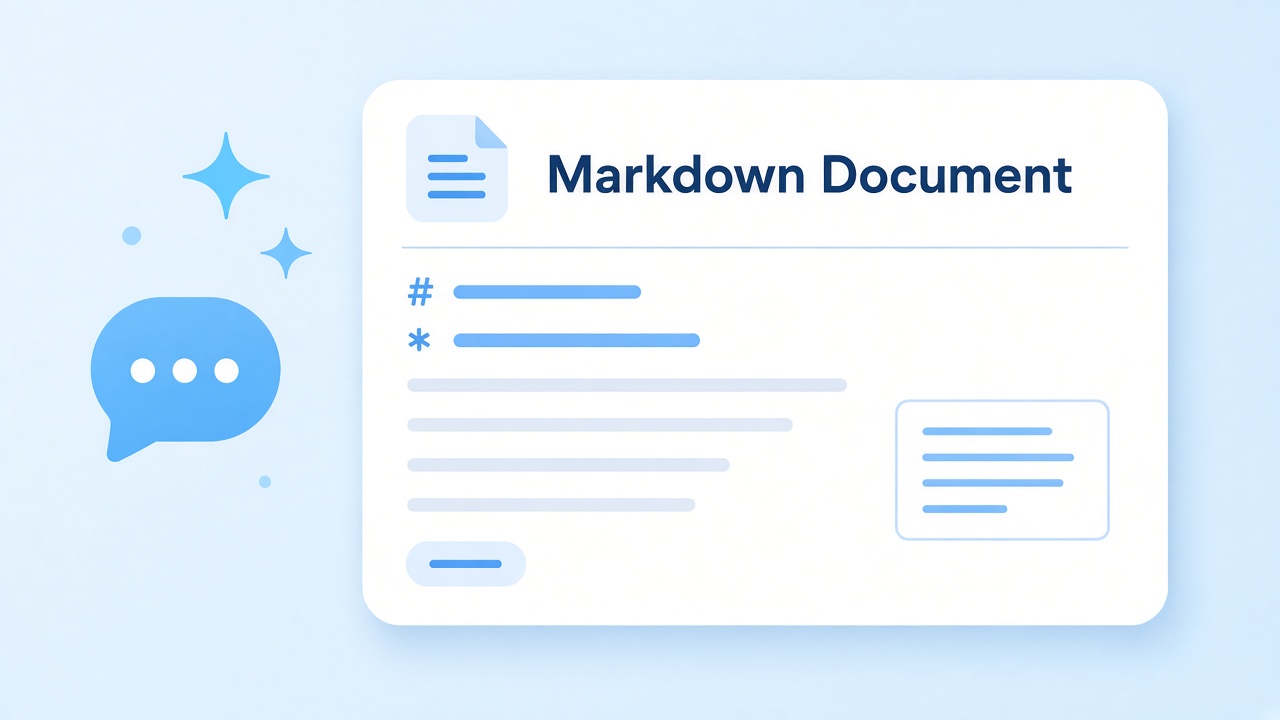
Run pdf to md before you paste into ChatGPT or Claude so tokens buy structure instead of layout noise. See the for-LLM scene page.
For-LLM scene page
Vault notes
Land tidy files after pdf to md beside the rest of an Obsidian library. See the Obsidian scene page.
Obsidian scene page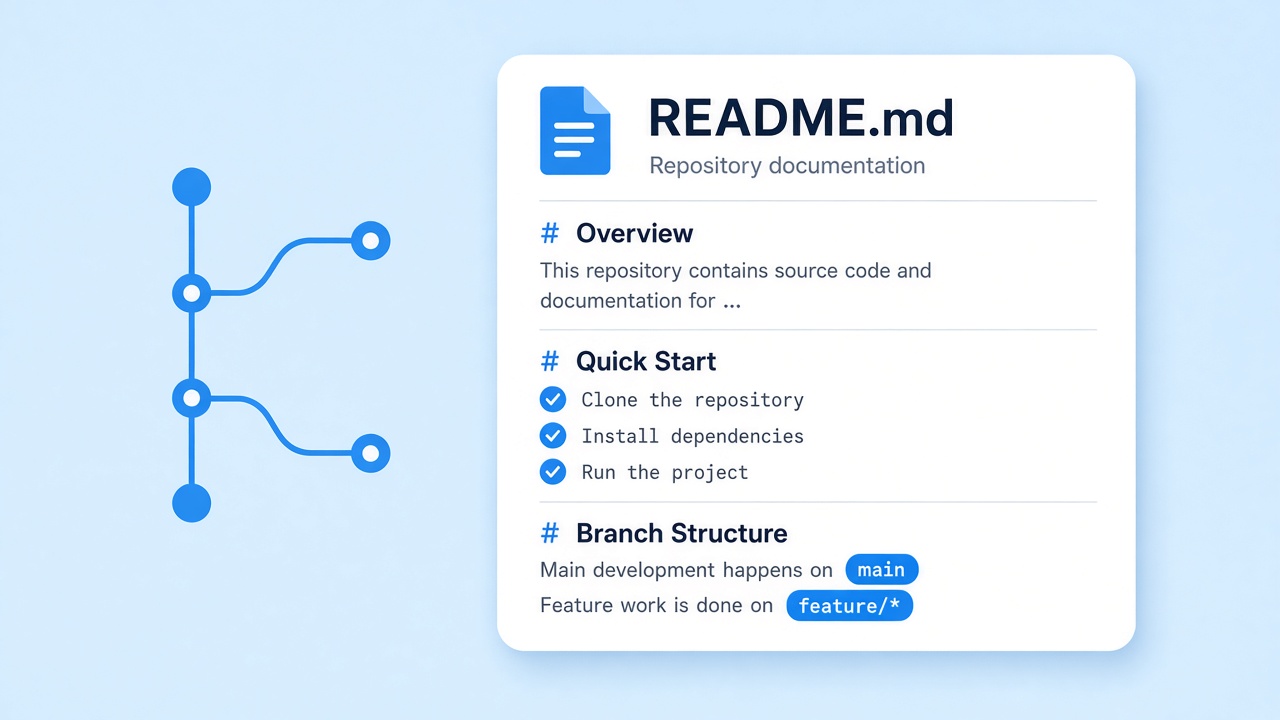
Repo docs
Move specs into Git with pdf to md, then iterate as plain text. See the Python guide page.
Python guide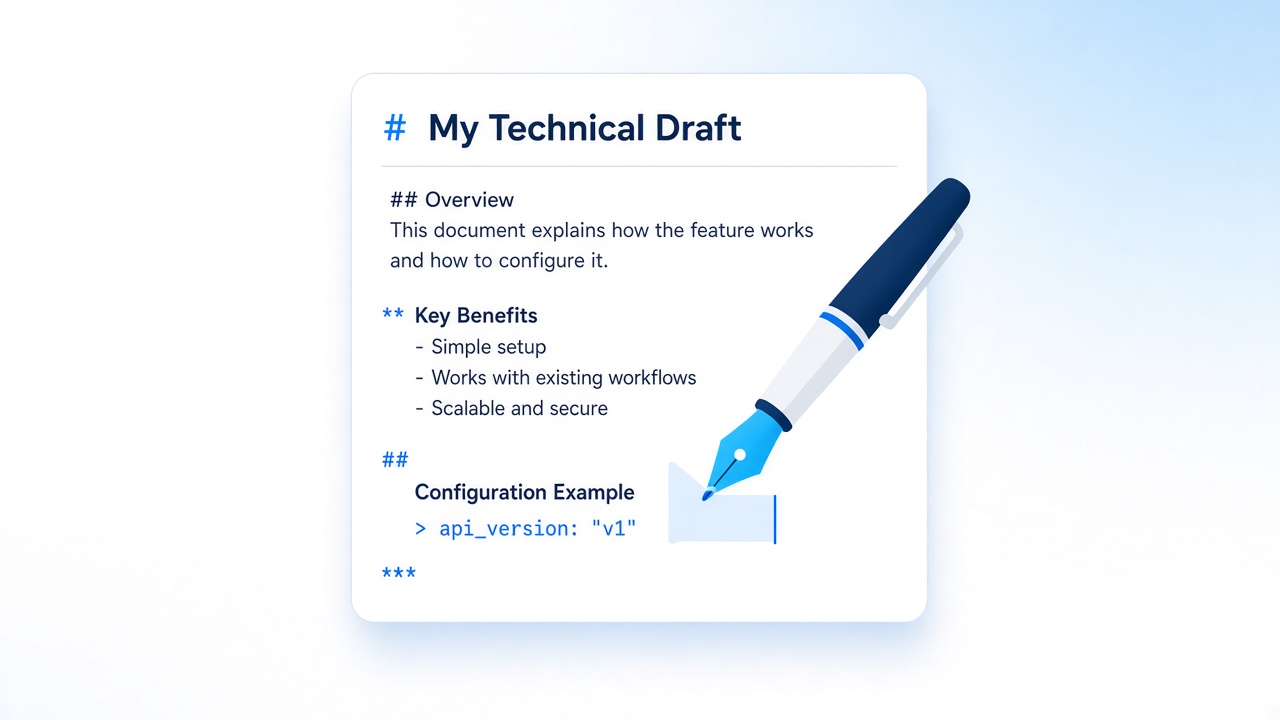
Technical writing
Draft in Markdown after a quick pdf to md pass instead of fighting a rigid layout tool.
Open the tool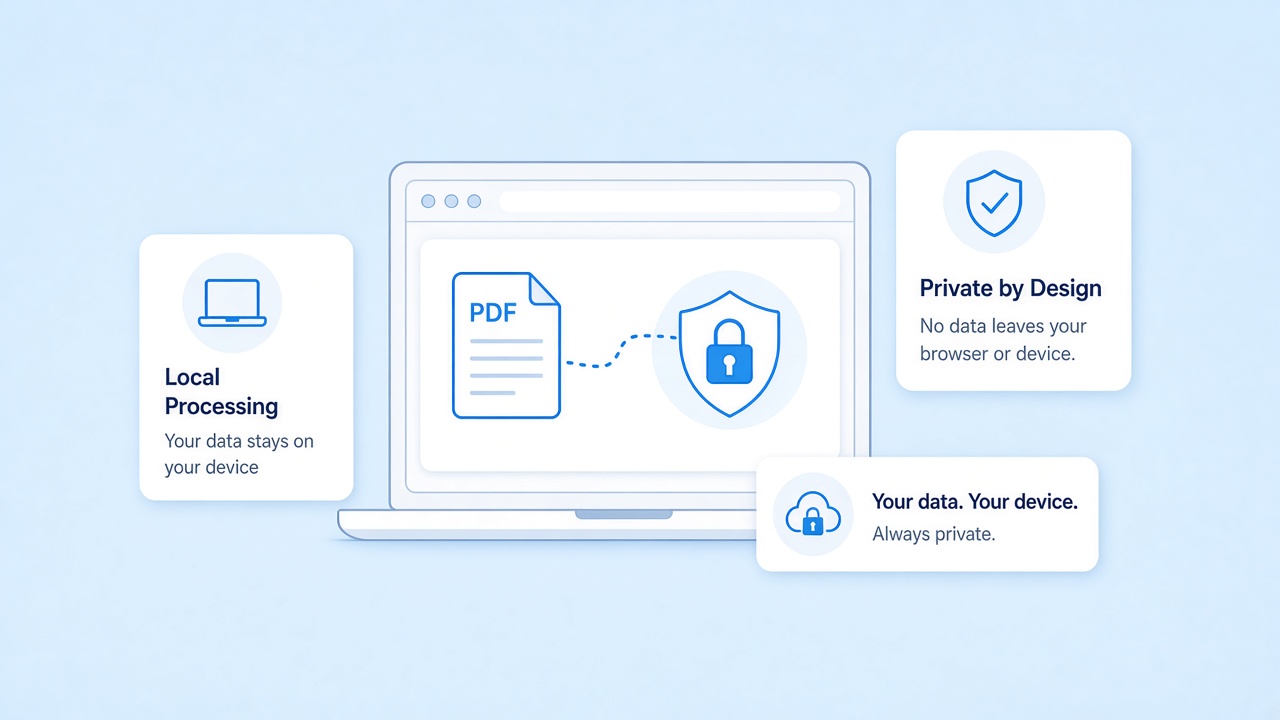
Privacy for in-browser pdf to md
Your file never leaves this tab: the homepage pdf to md tool reads it in the browser with pdf.js and sends nothing to our servers. That keeps drafts off shared disks, as builders expect from a local-first pdf to md workflow. Close the tab when you finish if the machine is shared.
Need the reverse of pdf to md
Use the reverse converter when you start in Markdown and only need a printable file at the end. It writes real, selectable text, not a screenshot of the page. Keep this homepage for pdf to md, and switch tools when the job flips.
Related tools
Focused pages for the next step, each one a click away.
Start a pdf to md conversion
Ready when you are. Jump to the tool, drop a file, and finish a pdf to md export on one screen. No account is required for the free in-browser path.
Open the converterSources
- Introducing Markdown — Daring Fireball, 2004
- ISO 32000-2:2020 (PDF 2.0) — ISO, 2020
- GitHub Flavored Markdown Spec — GitHub
- pdf.js — Mozilla
FAQ
Short answers on privacy, scans, and tables.
Is pdf to md free on this site?
Yes. The online pdf to md tool on the homepage is free to try in your browser. We do not ask for an account to run a basic conversion.
Does pdf to md upload my file?
No. The homepage pdf to md path reads the file locally. Nothing is sent to our servers for that online flow.
Can pdf to md handle scanned pages?
No. Image-only scans need OCR, which this tool does not run. Use files with a text layer for reliable pdf to md results.
Is pdf to md the same as pdf to markdown?
Yes. Md is the file extension for Markdown, so pdf to md and PDF to Markdown name the same job: a .pdf file in, a .md file out.
Will pdf to md keep my tables?
Usually, yes. When the source stores real text tables, pdf to md writes a GFM pipe table; in our tests all 12 table fixtures passed. Complex layouts may need a quick cleanup afterward.
Can I run pdf to md and then go back?
Yes. After pdf to md, open the reverse converter if you need a printable file again.
Why choose in-browser pdf to md?
It is fast to try, private by default, and enough for most note and doc handoffs without installing another desktop app.