Private by design
Convert PDF to MD
Updated · pdftomd.tools team
To convert PDF to MD without handing your file to anyone, drop it here: your browser opens it, processes it on your machine, and returns Markdown you can edit, version, and reuse. No upload, no queue, no account.
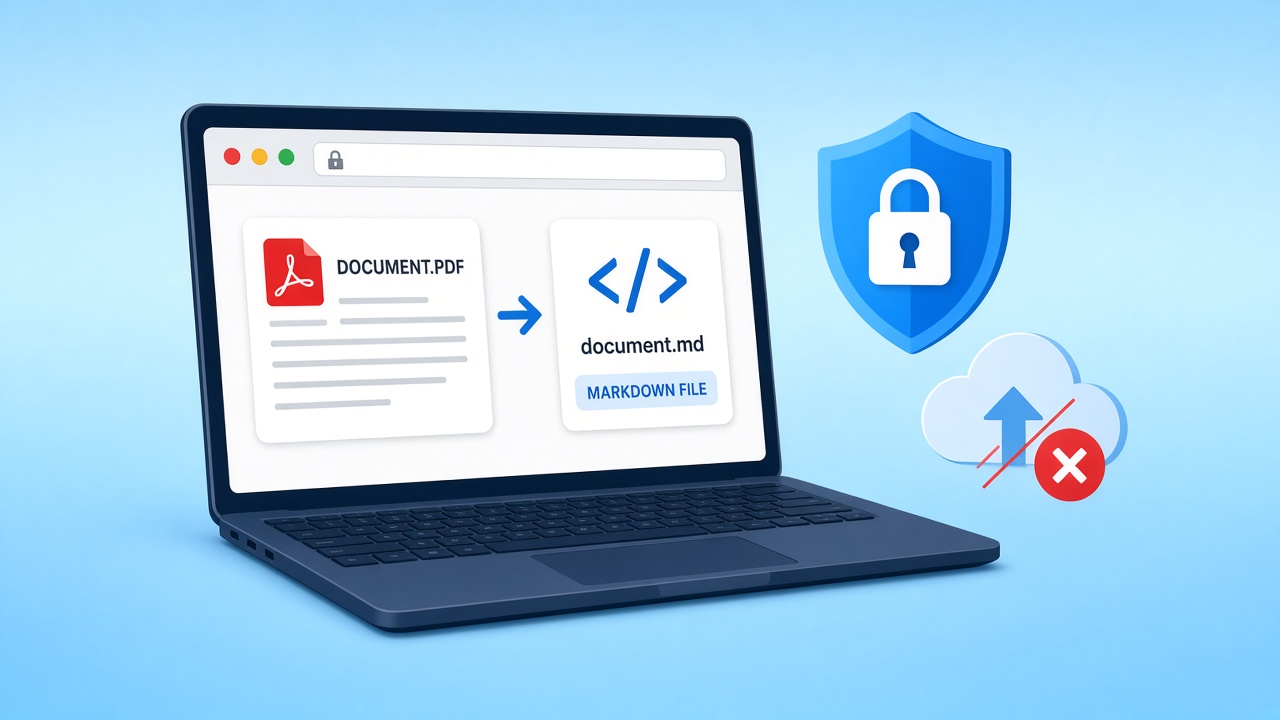
Drop a text-based file below to convert PDF to MD right here. The PDF to MD result appears in the preview pane, ready to copy or save as a .md file.
Source PDF
Drop a PDF here, or click to browse
Text PDFs only. Scans need OCR, which this tool does not run.
Markdown preview
Markdown output will appear here.
How to convert PDF to MD in four steps
A short PDF to MD routine that works the same for a two-page memo or a long report.
 01
01Pick the right file
Use the original export from Word, Google Docs, or LaTeX rather than a scan. A real text layer is what makes PDF to MD accurate.
Choose a file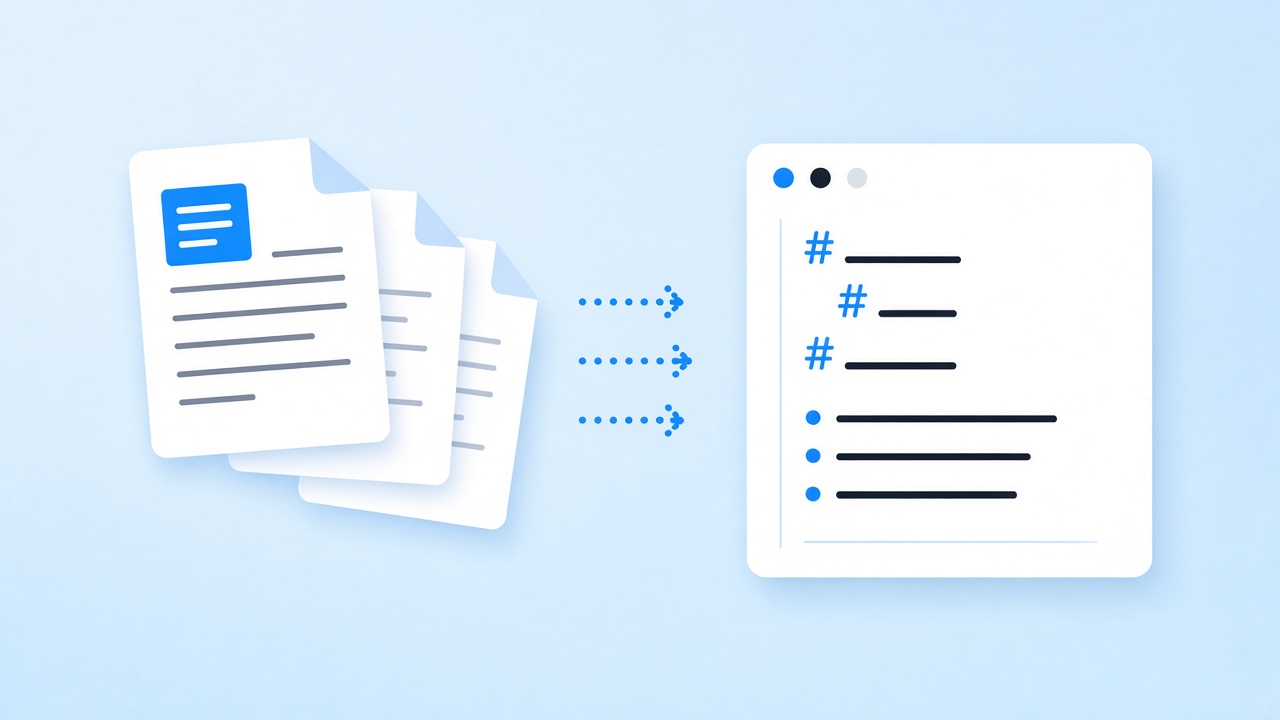 02
02Drop it in the tool
Drag the file onto the drop zone or click to browse. Your browser reads it locally and starts the PDF to MD pass at once.
Open the drop zone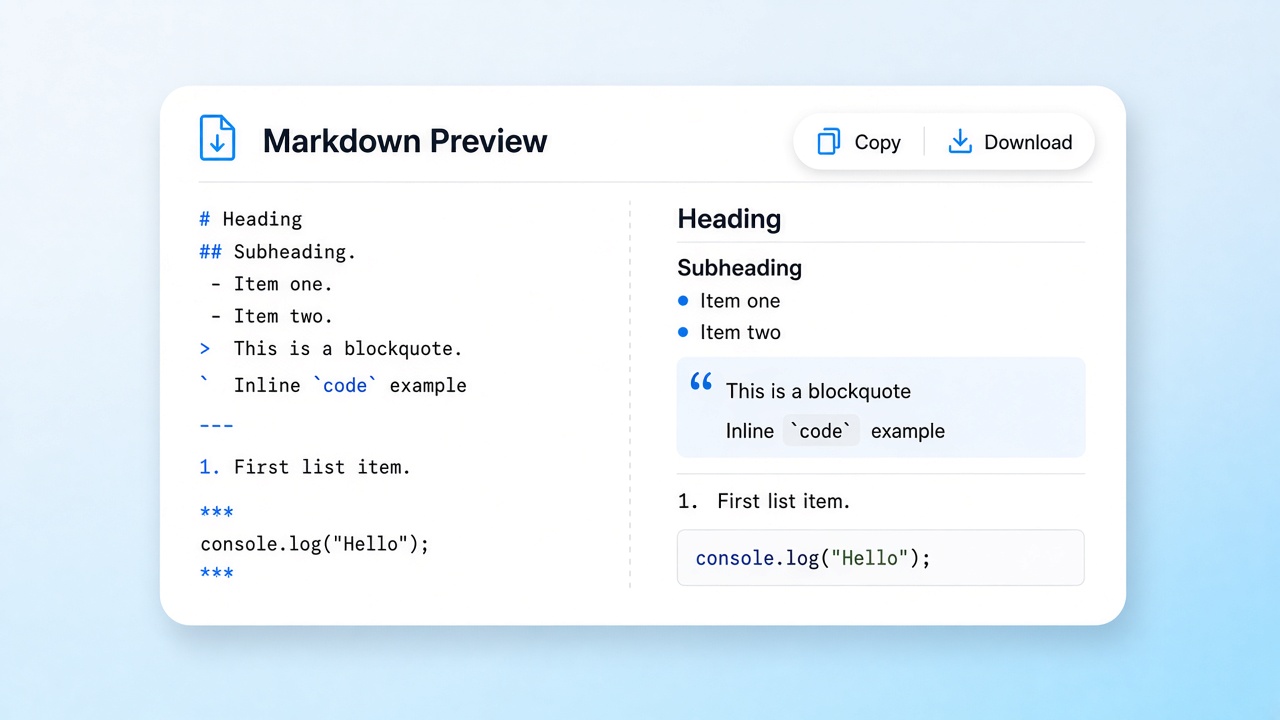 03
03Review the preview
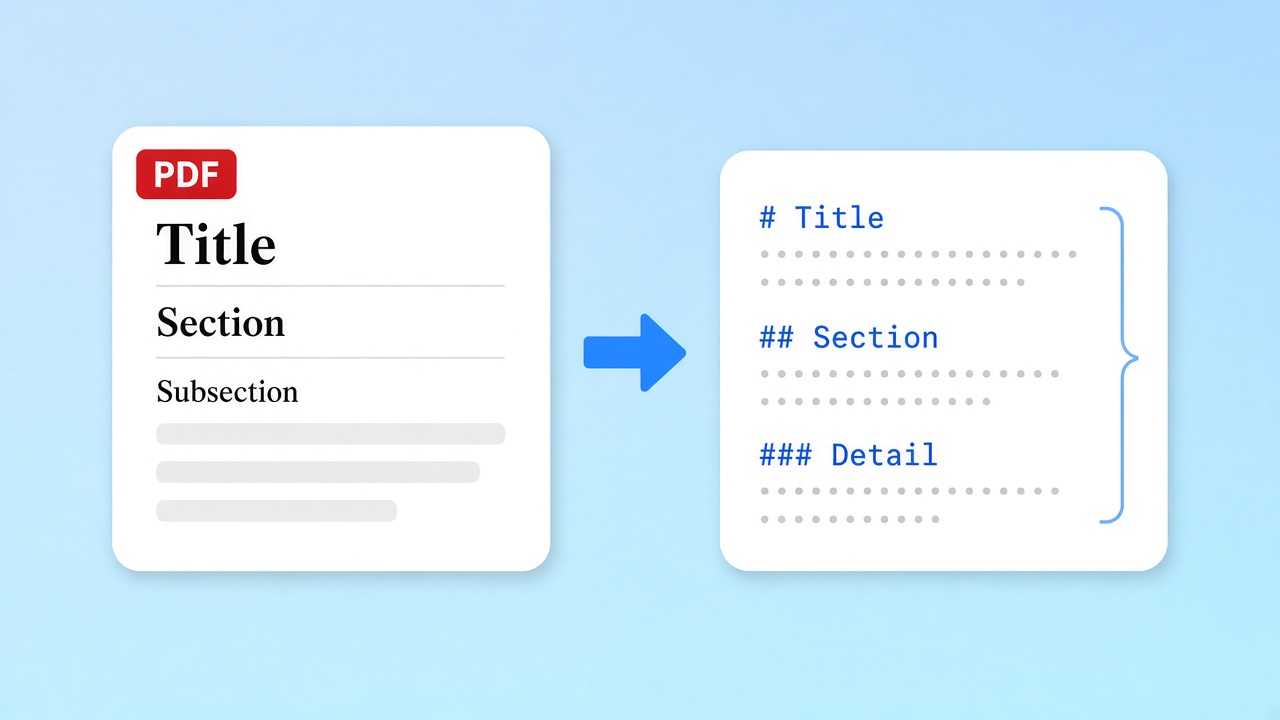
Skim the headings and lists in the PDF to MD preview. If a section title came through as a paragraph, fix it with a single # in your editor afterwards.
Check the output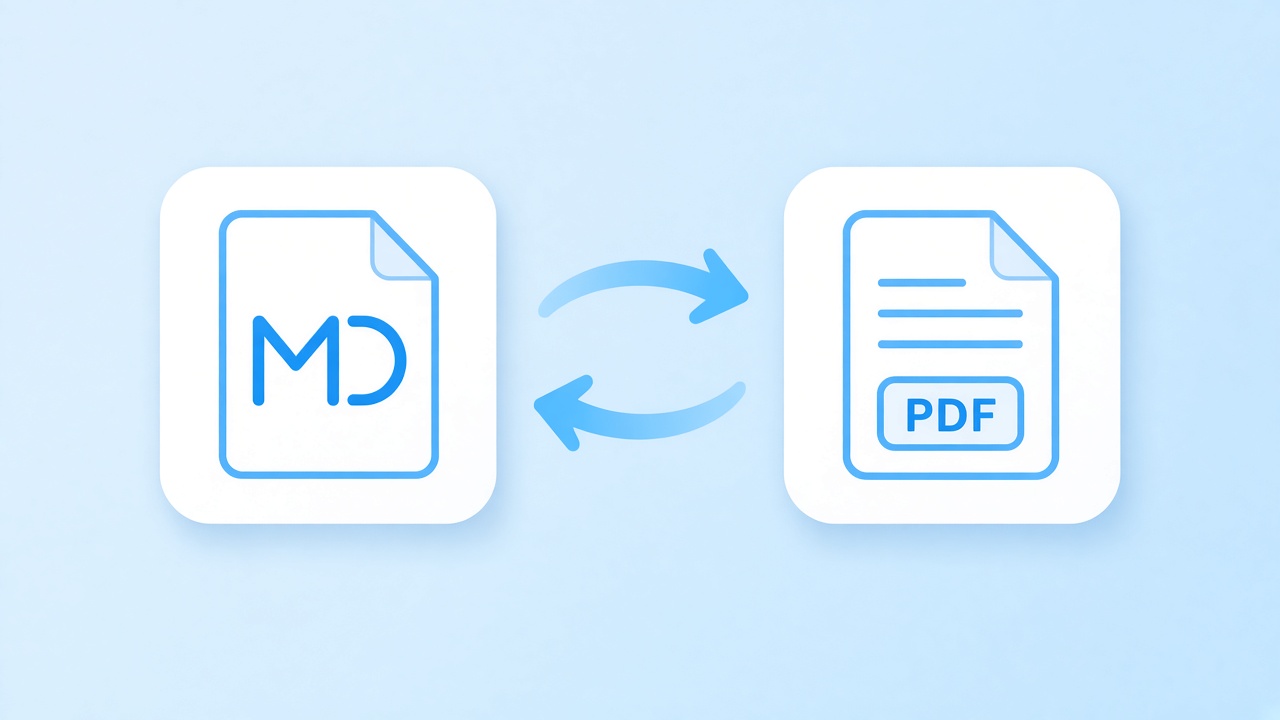 04
04Copy or download
Copy the PDF to MD text to your clipboard or save a .md file named after the source. That is the whole PDF to MD routine.
Save the result
Why convert PDF to MD at all
When you convert PDF to MD, the content becomes plain text with lightweight Markdown structure: # for headings, - for bullets, 1. for steps. A print layout is built for reading, not editing: text sits in fixed positions and headings are just bigger letters. Markdown diffs cleanly in Git, opens in any editor, and drops straight into wikis, static sites, and note apps.
The PDF to MD engine here uses pdf.js to read relative font sizes to rank headings across four levels, recognises bullet glyphs and numbered prefixes, and joins wrapped lines back into paragraphs. Long documents come back as one continuous file, with paragraphs rejoined across page breaks, so a PDF to MD result reads like the original. In our tests, an 11-page report exported to PDF and converted back kept all 12 second-level and 16 third-level headings.
- Heading hierarchy kept across four levels
- Lists recognised from bullets and numbers
- Tables rebuilt as Markdown grids
- Plain CommonMark that any editor understands
Know the limits before you convert PDF to MD
Tables come back as GitHub-flavored Markdown grids when their columns line up, but merged cells are flattened and rotated tables stay as plain lines. Inline bold and italics are flattened, and images are left out. Scanned files have no text layer, so PDF to MD cannot read them because the tool does not run OCR; the tool warns you when it sees one.
When teams convert PDF to MD
Private documents that need a second life as editable text after a PDF to MD conversion.
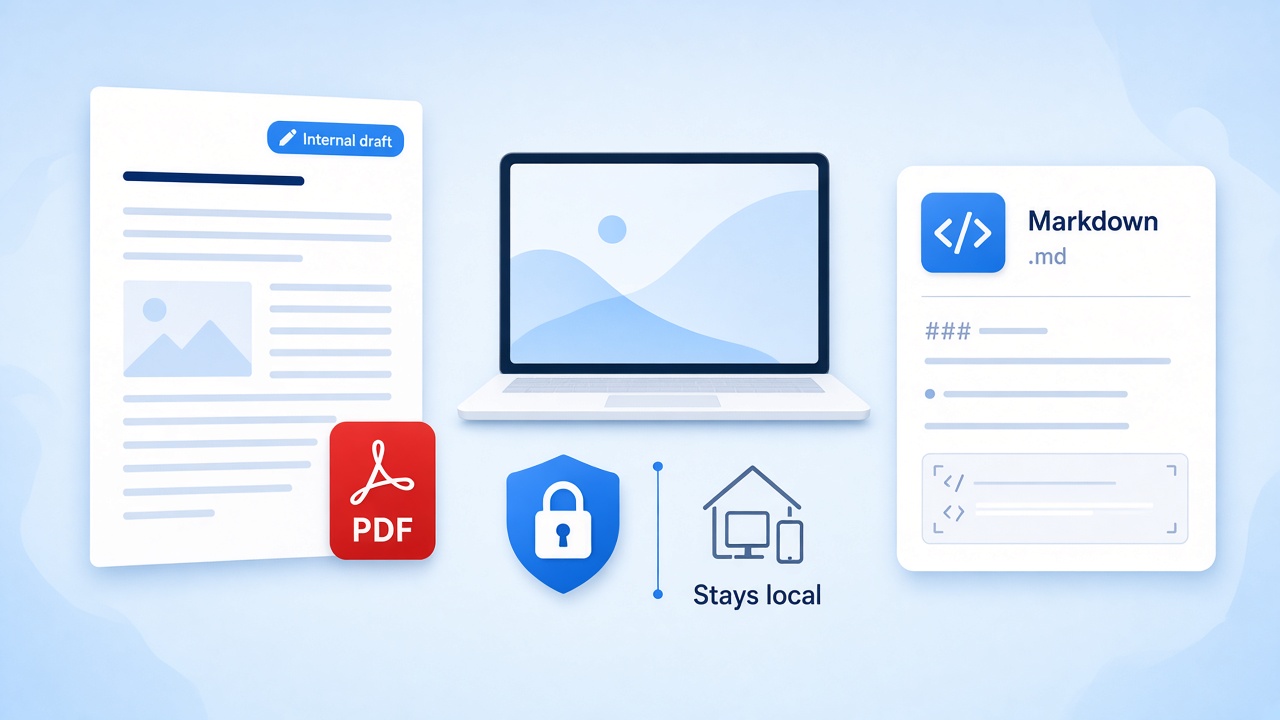
Internal documents
Policies, contracts, and board notes should not sit on a third-party server. Convert PDF to MD locally and commit the text to your private repo.
Convert privately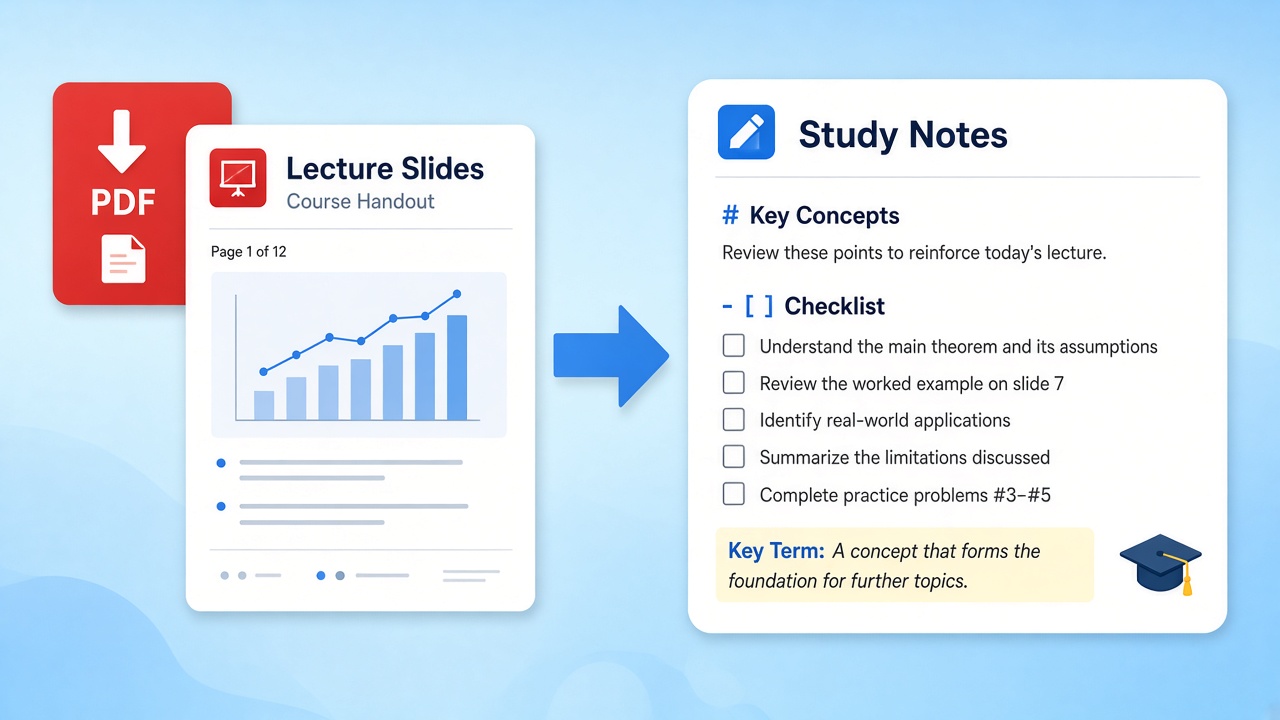
Study notes
Lecture handouts become outlines you can highlight, link, and expand. The PDF to MD output keeps the chapter headings, so notes stay organised.
Use with Obsidian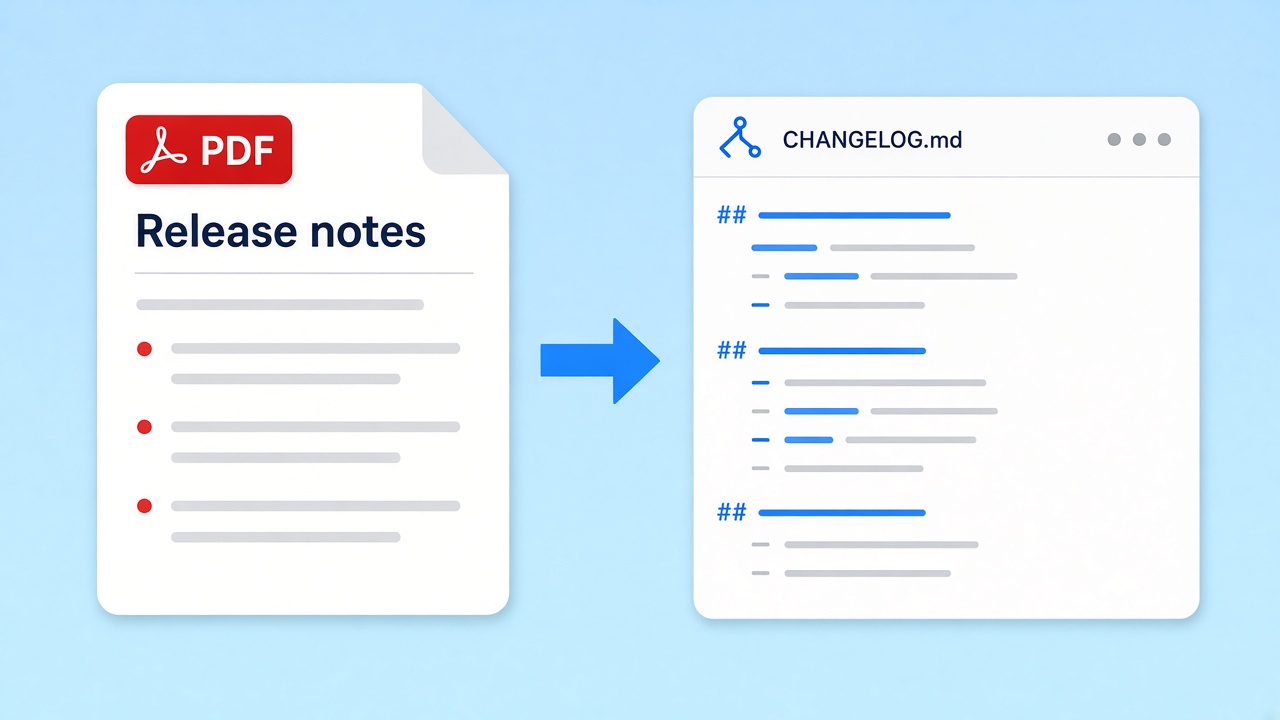
Release notes
Vendors often ship changelogs as print files. Convert PDF to MD, trim the parts you need, and paste them into your docs or tickets.
Summarise with AI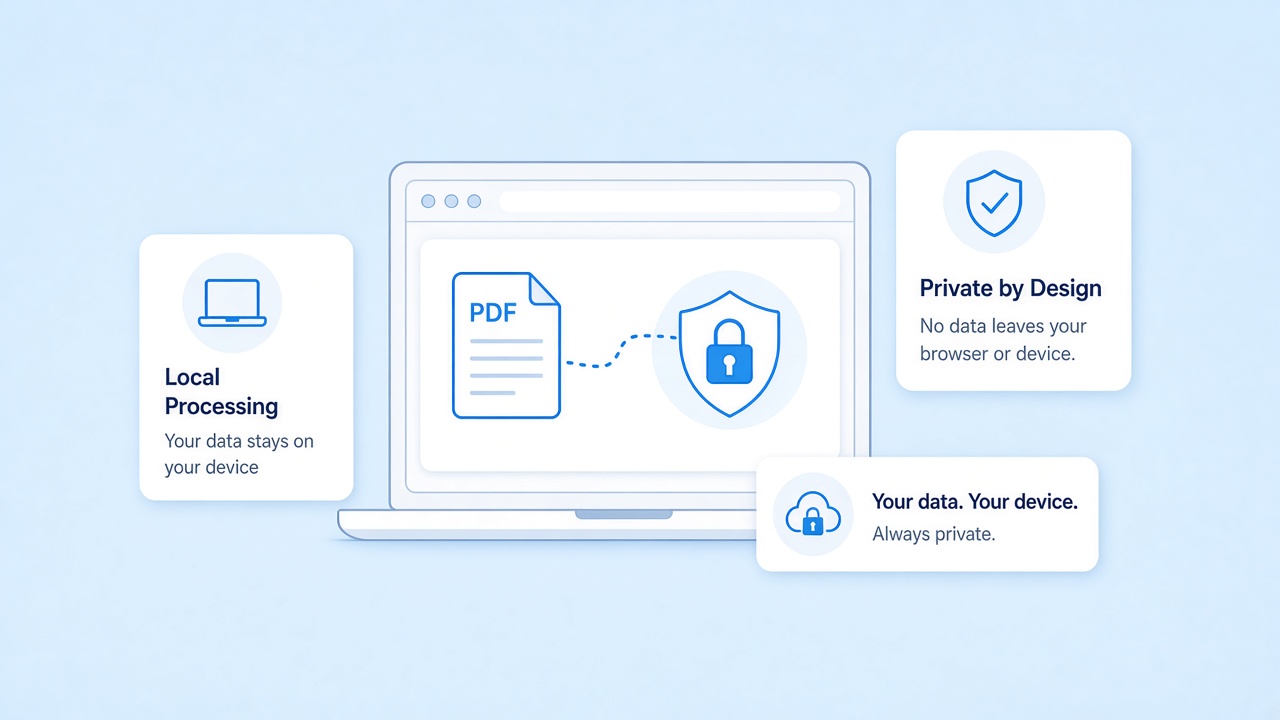
Convert PDF to MD with zero upload
Everything runs in your browser with pdf.js. The file is read from your disk into the tab's memory and is never sent to our servers, so a PDF to MD job works for confidential material. There is no account and no history to clear.
Need a printable copy again?
After editing your PDF to MD text, the reverse page renders your Markdown with a GitHub-style look and saves an A4 document, again without leaving the browser.
Related tools
Pick the page that fits what you do with your PDF to MD output next.
Convert PDF to MD on your device
Drop a file, check the PDF to MD preview, and keep the Markdown. Nothing is uploaded, and nothing to install.
Start convertingSources
- Markdown: Syntax and project page — Daring Fireball, 2004
- GitHub Flavored Markdown Spec — GitHub
- pdf.js — Mozilla
FAQ
Privacy, accuracy, and file types for PDF to MD, answered plainly.
Is my file uploaded when I convert PDF to MD?
No. The file is read by your browser and processed in the tab. Our servers never receive it, and nothing is stored after you close the page.
Does PDF to MD conversion work offline?
Partly. The PDF to MD engine loads with your first conversion; after that it runs locally, so a dropped connection does not stop a job in progress.
What files give the best PDF to MD result?
Files exported from a word processor, Google Docs, or LaTeX. They carry a clean text layer with consistent font sizes, which the heading detection relies on.
Can I convert PDF to MD from a scan or photo?
No. Scans are images with no text layer, and the tool does not run OCR. The tool shows a warning when a file looks image-based.
Are tables and bold text kept in a PDF to MD conversion?
Tables, yes: aligned or ruled tables become GitHub-flavored Markdown tables with a header row, though merged cells are flattened. Bold and italics are not kept yet, so plan a short edit if styling matters.
Is it free to convert PDF to MD here?
Yes. There is no signup, no watermark, and no daily cap. Large files are limited only by your device's memory.
How do I get the Markdown into another app?
Use Copy to put the PDF to MD output on your clipboard, or Download to save a .md file you can open in any editor or vault.