Local scripts
PDF to Markdown with Python
Updated · pdftomd.tools team
A PDF to Markdown Python library converts files inside a script, on your own machine. This guide shows tested snippets for two open-source options, and a browser tool for the days you would rather not install anything.
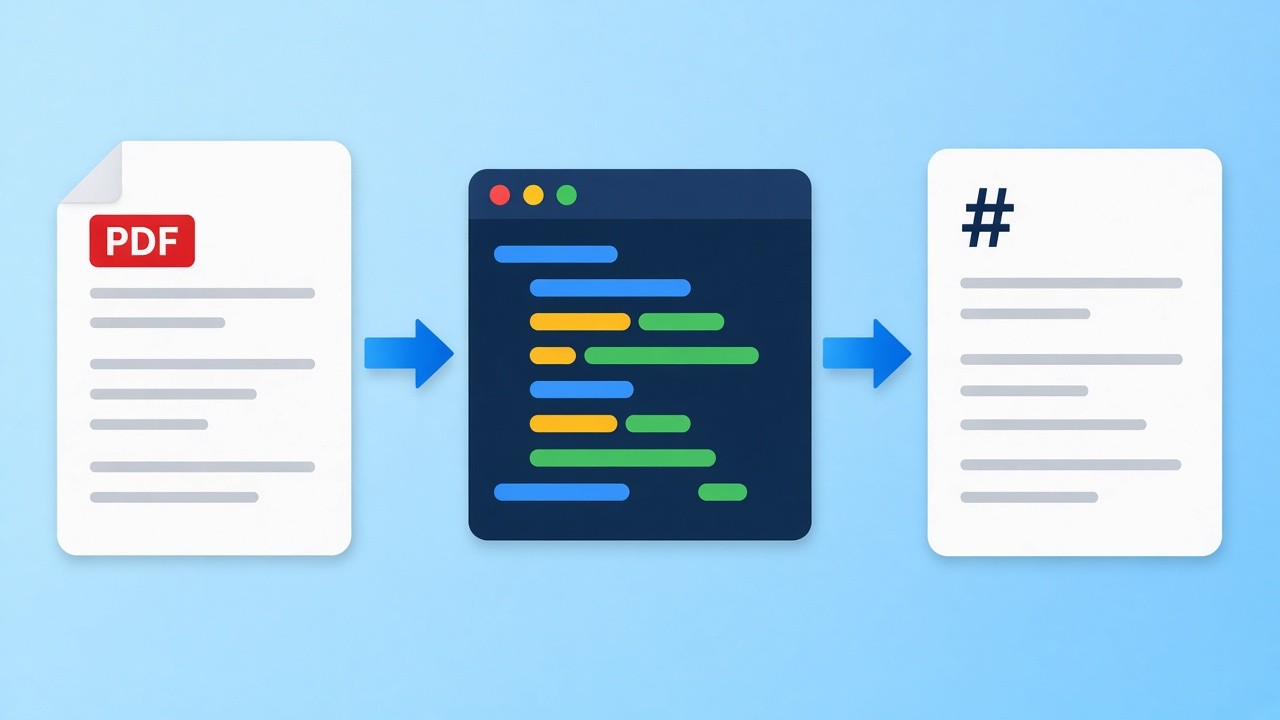
No Python at hand? The browser tool below does the same PDF to Markdown job with nothing to install. Drop a text-based file and copy the result.
Source PDF
Drop a PDF here, or click to browse
Text PDFs only. Scans need OCR, which this tool does not run.
Markdown preview
Markdown output will appear here.
PDF to Markdown Python setup in four steps
A local PDF to Markdown pipeline, from install to output files.
 01
01Create an environment
Make a virtual environment with python -m venv .venv and activate it, so the PDF to Markdown libraries stay out of your system install.
See the snippets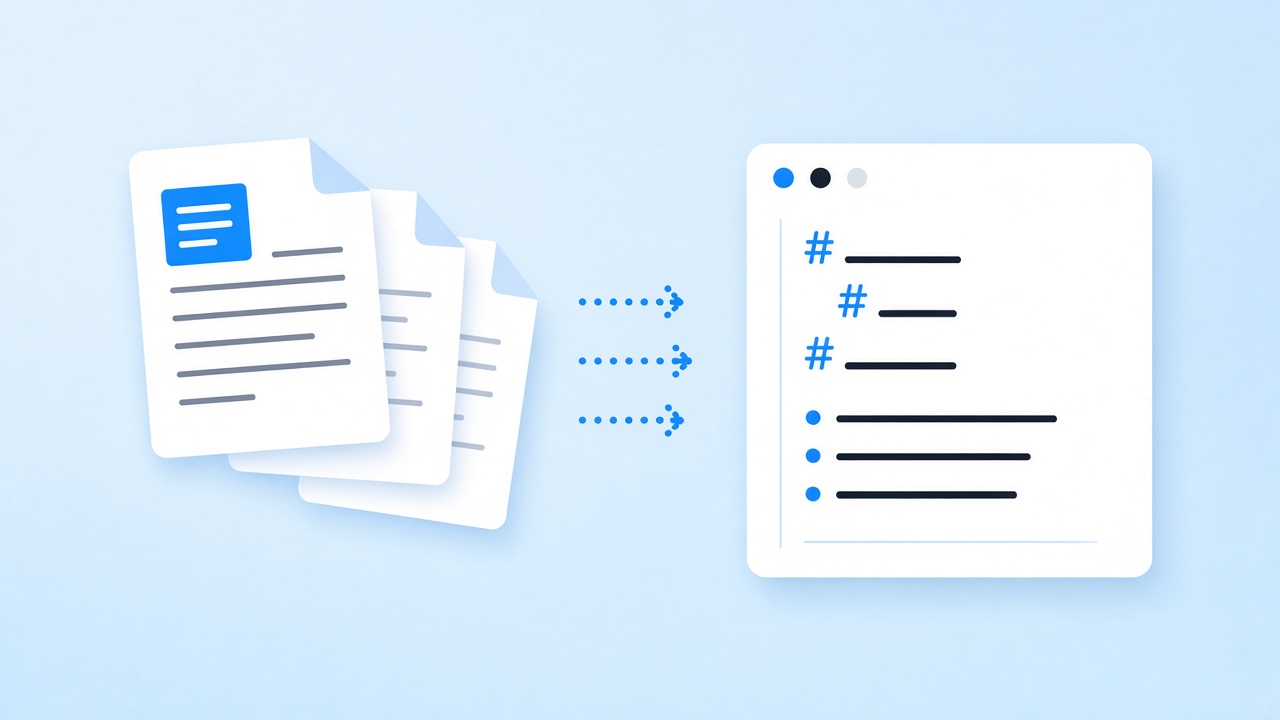 02
02Install one library
Run pip install pymupdf4llm for general PDF to Markdown output, or pip install pdfplumber when tables matter most.
Pick a library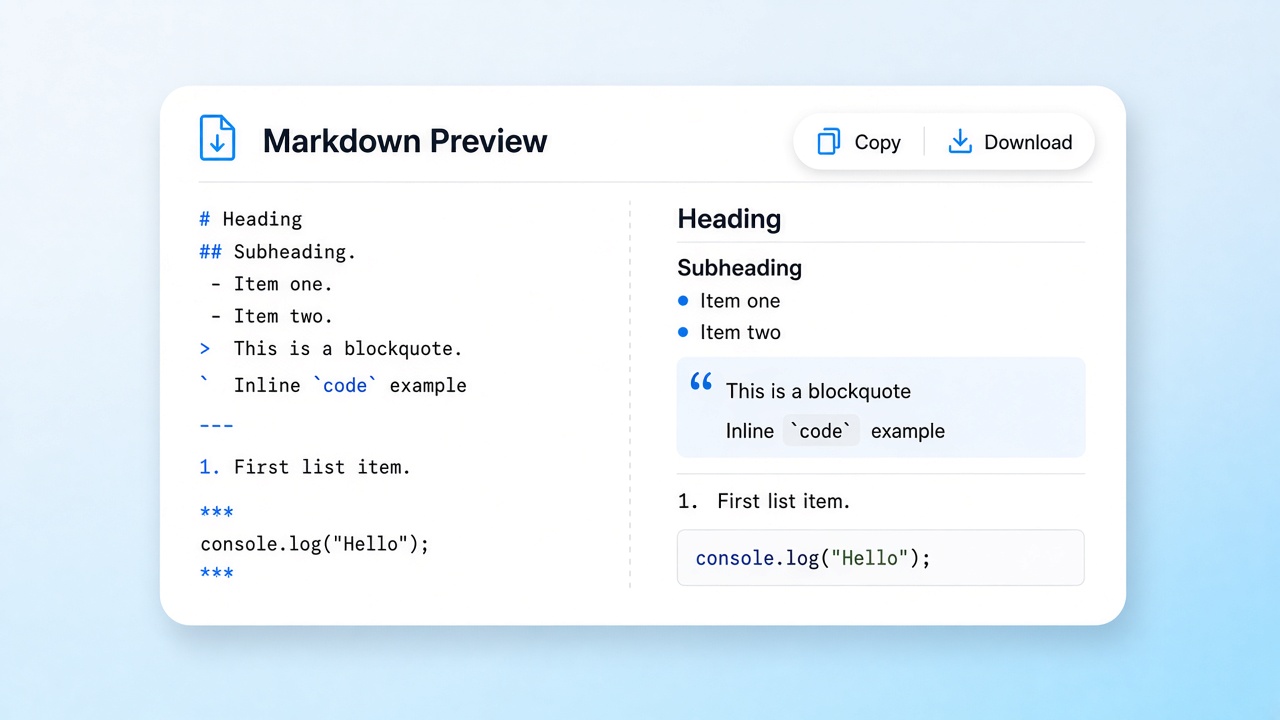 03
03Run the script
Paste a snippet from this page into a .py file and point it at your document. Each PDF to Markdown run writes a .md file you can open.
Copy a snippet 04
04Check the output
Compare the .md file with the original and remove stray headers and footers before you feed the PDF to Markdown text to anything else.
Compare in the browser
Which PDF to Markdown Python library to pick
There is no single best PDF to Markdown Python library; each trades speed, licence, and table handling differently. pymupdf4llm, built on PyMuPDF, reads the layout and writes Markdown directly, including headings and ruled tables, which makes it a sensible default for notes and retrieval. pdfplumber gives you lower-level access to characters, lines, and table cells, so it suits scripts that care mostly about tabular data.
Both are third-party open-source projects, not products of this site. For a few documents, the browser tool on this page runs a similar PDF to Markdown pass with nothing to install. For hundreds of files on a schedule, a local PDF to Markdown Python script is the better fit.
- pymupdf4llm: PDF to Markdown in one call
- pdfplumber: precise cell access for ruled tables
- Browser tool: no install, nothing uploaded
Limits shared by every PDF to Markdown approach
None of these options read scans by themselves: the browser tool has no OCR, and the libraries above need a separate OCR step for image-only pages. Merged cells, rotated tables, and two-column layouts are hard for every PDF to Markdown Python library and for our browser tool, so review tables by hand. In the browser tool, borderless tables need at least three rows and the first row always becomes the header.
PDF to Markdown Python snippets
Tested with pymupdf4llm 1.28 and pdfplumber 0.11. Copy one and run it locally.
One file with pymupdf4llm
Third-party · AGPLLayout-aware and quick: the PDF to Markdown output keeps headings and ruled tables. PyMuPDF is AGPL-licensed, so check the terms before shipping it inside a closed product.
# pip install pymupdf4llm
import pathlib
import pymupdf4llm

md = pymupdf4llm.to_markdown("report.pdf")
pathlib.Path("report.md").write_text(md, encoding="utf-8")
Tables with pdfplumber
Third-party · MITBest for ruled tables. By default it only finds tables drawn with lines; borderless grids need custom settings. The helper writes each table as a pipe table.
# pip install pdfplumber
import pdfplumber

def table_to_md(rows):
    rows = [[(c or "").replace("|", "\\|").strip() for c in r] for r in rows]
    head, body = rows[0], rows[1:]
    lines = ["| " + " | ".join(head) + " |", "|" + " --- |" * len(head)]
    lines += ["| " + " | ".join(r) + " |" for r in body]
    return "\n".join(lines)

with pdfplumber.open("invoice.pdf") as pdf:
    for page in pdf.pages:
        for table in page.extract_tables():
            print(table_to_md(table), end="\n\n")
A whole folder with pymupdf4llm
Third-party · AGPLA PDF to Markdown loop: it reads every file in a pdfs folder and writes one .md file per input.
# pip install pymupdf4llm
import pathlib
import pymupdf4llm

out = pathlib.Path("markdown")
out.mkdir(exist_ok=True)
for pdf in sorted(pathlib.Path("pdfs").glob("*.pdf")):
    md = pymupdf4llm.to_markdown(str(pdf))
    (out / f"{pdf.stem}.md").write_text(md, encoding="utf-8")
    print("wrote", out / f"{pdf.stem}.md")
Where a PDF to Markdown Python script fits
Three jobs where scripting pays off.
Retrieval pipelines
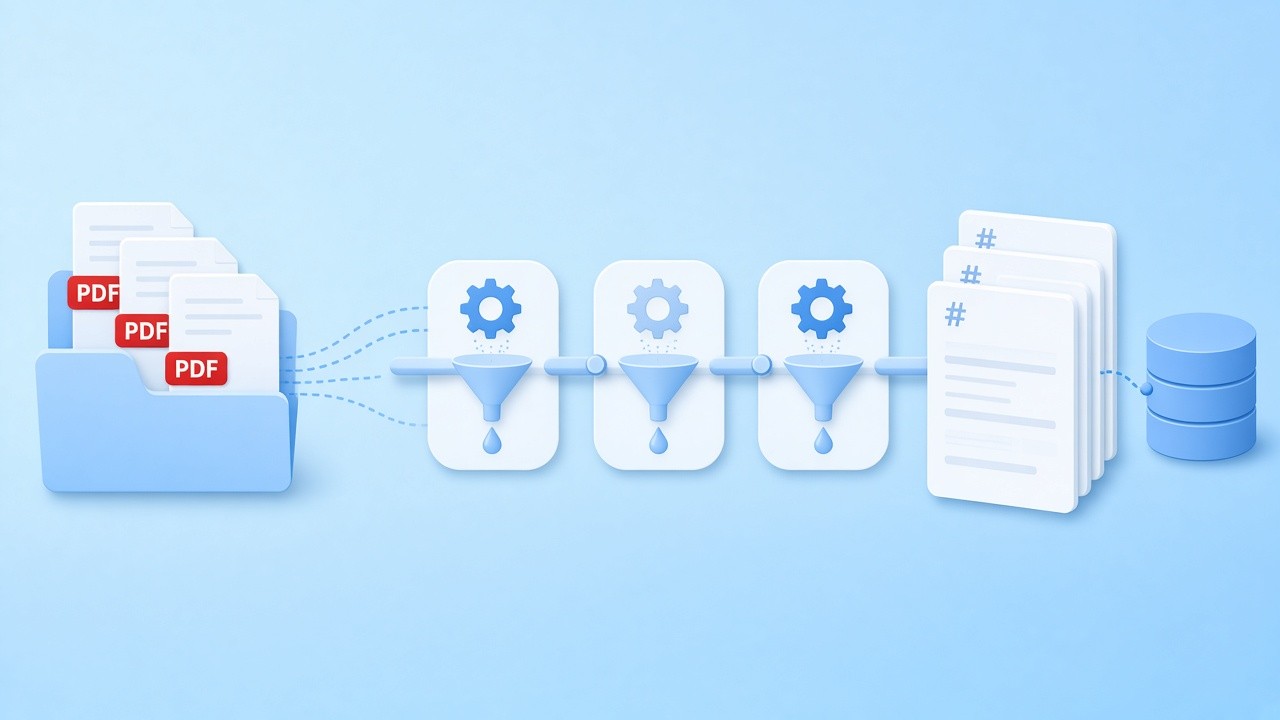
Run a PDF to Markdown Python script before indexing, split the output at headings, and store each section.
Read the LLM guide
Notebook analysis
Run PDF to Markdown table extraction with pdfplumber in a notebook, check the rows against the original, and keep the output next to your analysis.
See the snippets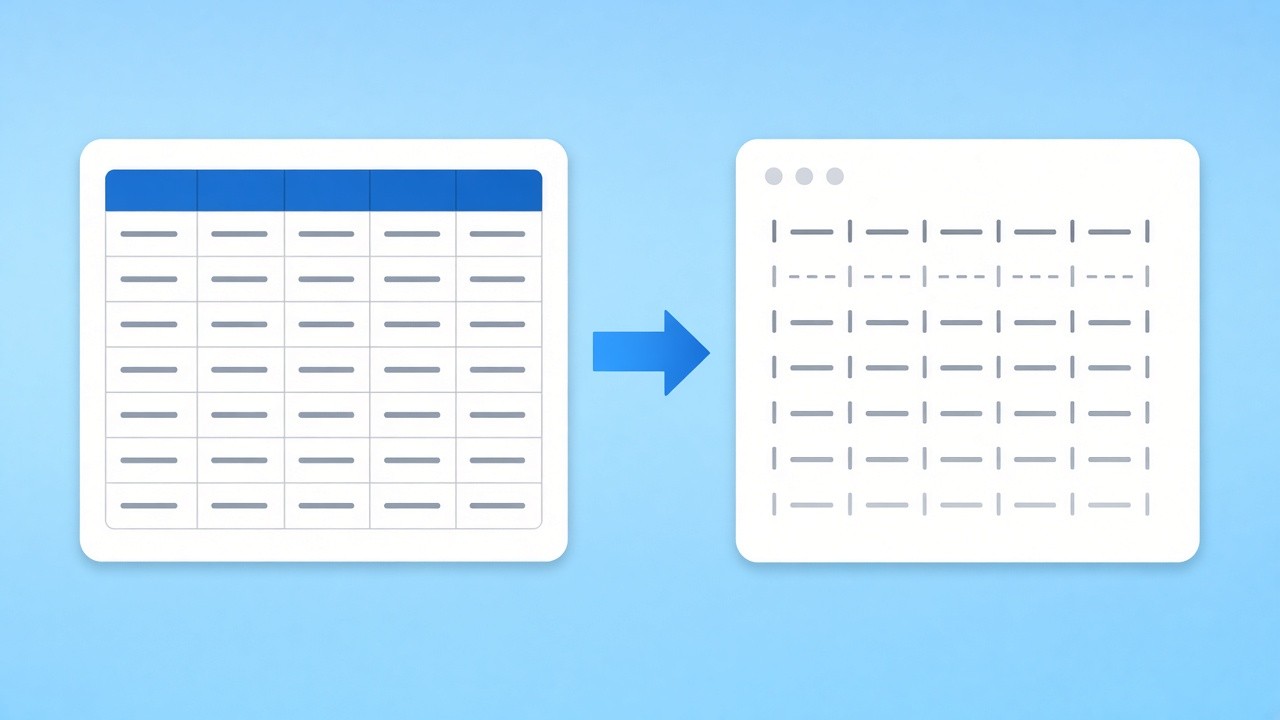
Table extraction
When the job is mostly figures, the PDF to Markdown helper above turns ruled tables into pipe tables, so you can skip the prose.
Try the browser tool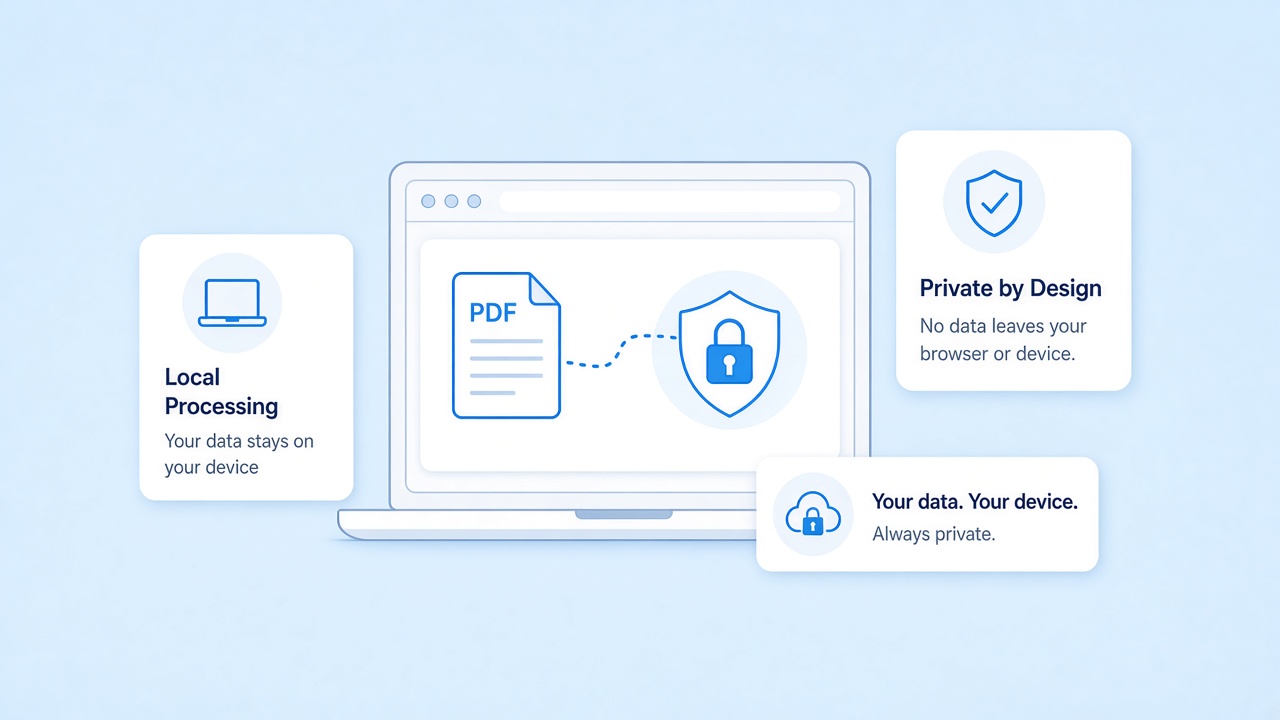
Script or browser, your files stay local
A local script never sends your files anywhere, and neither does our browser tool: PDF to Markdown conversion runs in the page with pdf.js and the file never reaches our servers.
Render Markdown back to pages
After a PDF to Markdown Python job you may want a printable copy. The reverse page renders Markdown as A4 pages in the browser.
Related tools
Other pages that help with PDF to Markdown work.
Prefer no setup? Convert PDF to Markdown here
Drop a document and copy clean PDF to Markdown text, or run the snippets above on your machine. Free and private.
Convert a fileSources
- pymupdf4llm to_markdown() reference — PDF4LLM docs
- PyMuPDF (AGPL-3.0) — GitHub
- pdfplumber (MIT) — GitHub
- pdf.js — Mozilla
FAQ
Questions about PDF to Markdown Python options, licences, and limits.
What is the easiest PDF to Markdown Python library?
pymupdf4llm: install it with pip and call to_markdown on a file to get PDF to Markdown output with headings, lists, and ruled tables.
Do I need an account or a key?
No. The libraries install with pip and run offline, and the browser tool needs no account. For scripting, use a local PDF to Markdown Python library.
Are pymupdf4llm and pdfplumber made by you?
No. Both are third-party open-source projects. pymupdf4llm and PyMuPDF are AGPL-licensed; pdfplumber is MIT-licensed.
Can a PDF to Markdown Python script read scans?
Not on its own. Image-only pages need an OCR step first. Our browser tool has no OCR either and warns you when a file looks scanned.
How do I keep tables when I convert PDF to Markdown?
pymupdf4llm writes ruled tables as pipe tables; pdfplumber finds them and the helper converts them. Borderless tables need tuning in both.
Is the browser tool the same as these libraries?
No. It uses pdf.js and its own layout rules, so PDF to Markdown output can differ. It needs no install and suits a handful of files.
Does a PDF to Markdown Python script upload my files?
No. Local scripts run on your machine, and the browser tool here processes files without uploading them.