Many files at once
Batch PDF to Markdown
Updated · pdftomd.tools team
Batch PDF to Markdown conversion turns a whole set of documents into a single ZIP with one .md file for each. Drop the files once, and your browser works through them in turn.
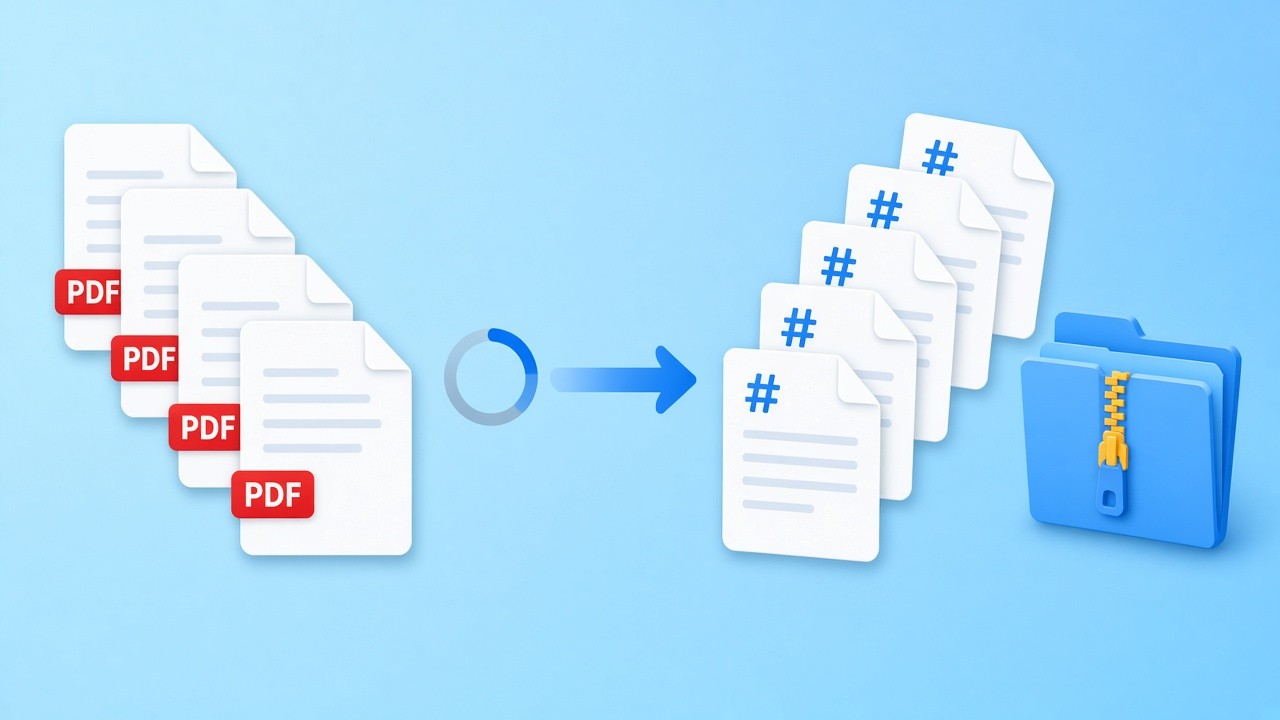
Choose or drop several text-based files below. Each PDF to Markdown result is listed with its page and table count, and the ZIP downloads when the last file is done.
Source files
Drop several PDFs here, or click to browse
Each file becomes one .md inside a single ZIP. Text PDFs work best.
Results
Converted files will be listed here.
Batch PDF to Markdown in four steps
Every PDF to Markdown step runs on your own device.
 01
01Select the files
Pick several documents at once or drop them together. PDF to Markdown works best on text-based exports; scans have no text layer.
Choose files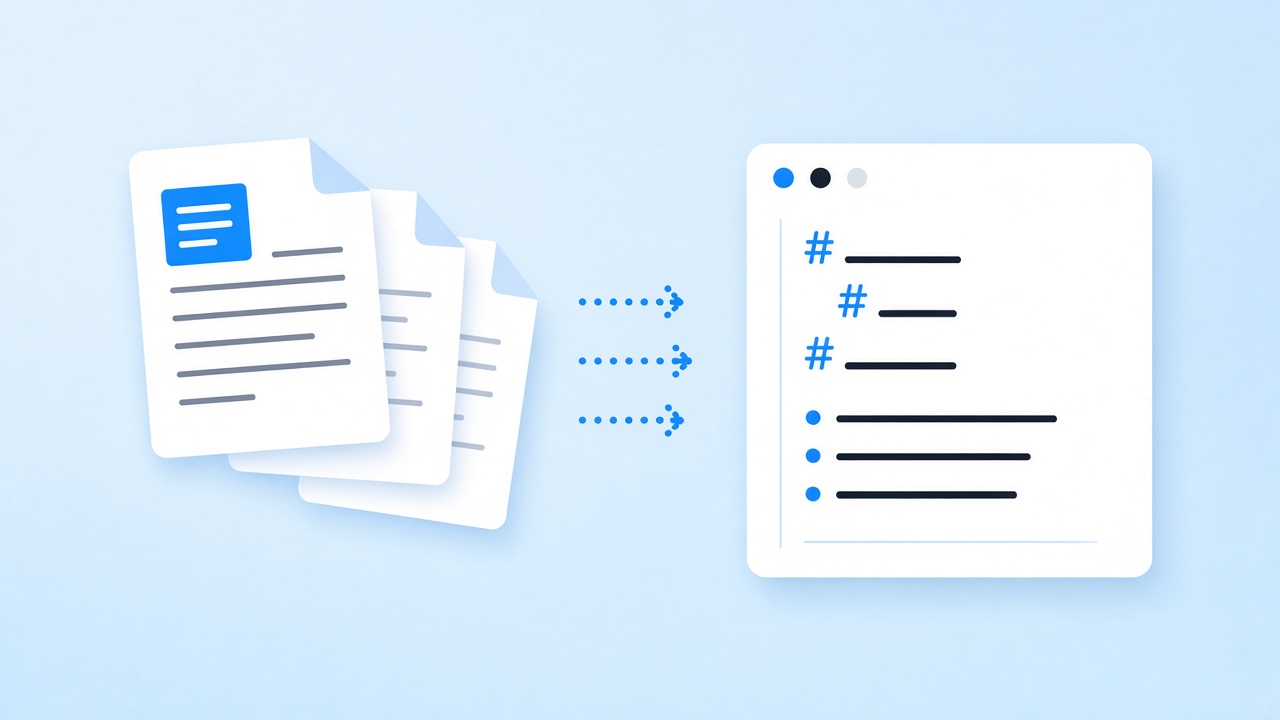 02
02Let them convert
Files are processed in order. Each PDF to Markdown pass detects headings, lists, and tables, and joins every page into one file.
Start a run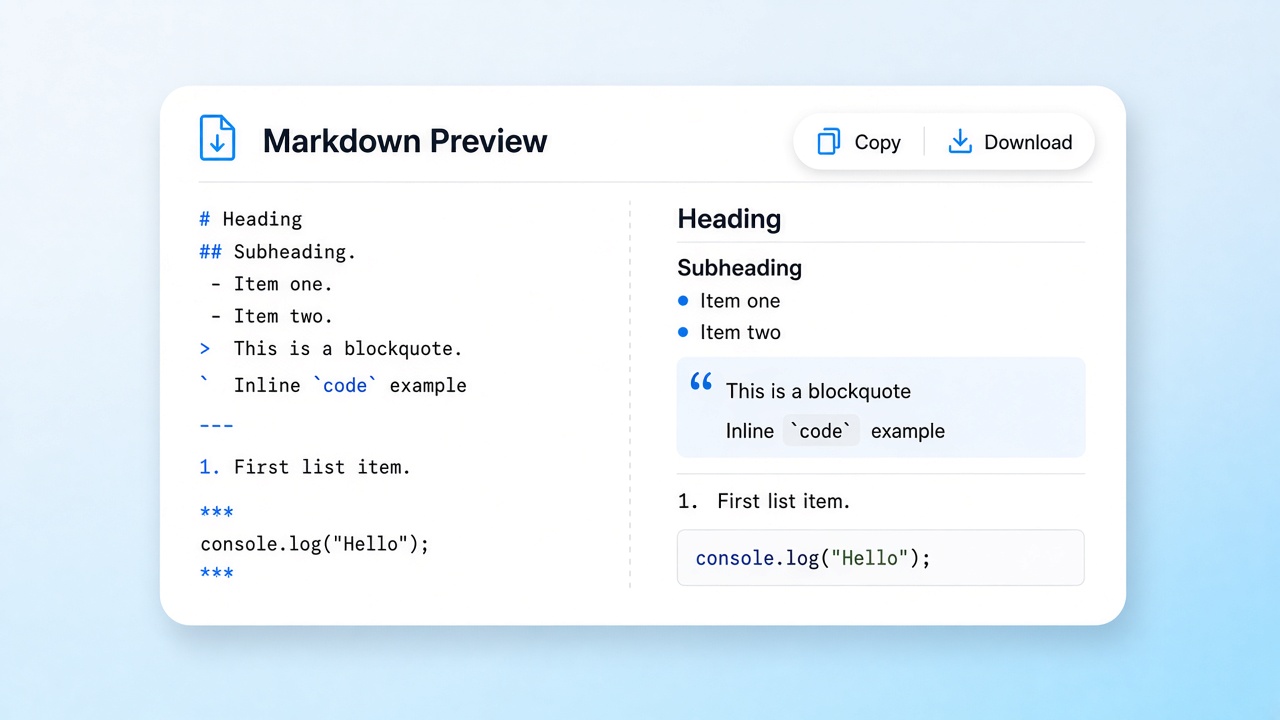 03
03Check the list
The results list shows pages and tables for every file and flags any that look scanned, so you know which PDF to Markdown outputs need a closer look.
See the results 04
04Download the ZIP
One archive holds every .md file, named after its source. Duplicate names get a -2 suffix, so no PDF to Markdown result is overwritten.
Get the archive
Why batch PDF to Markdown saves time
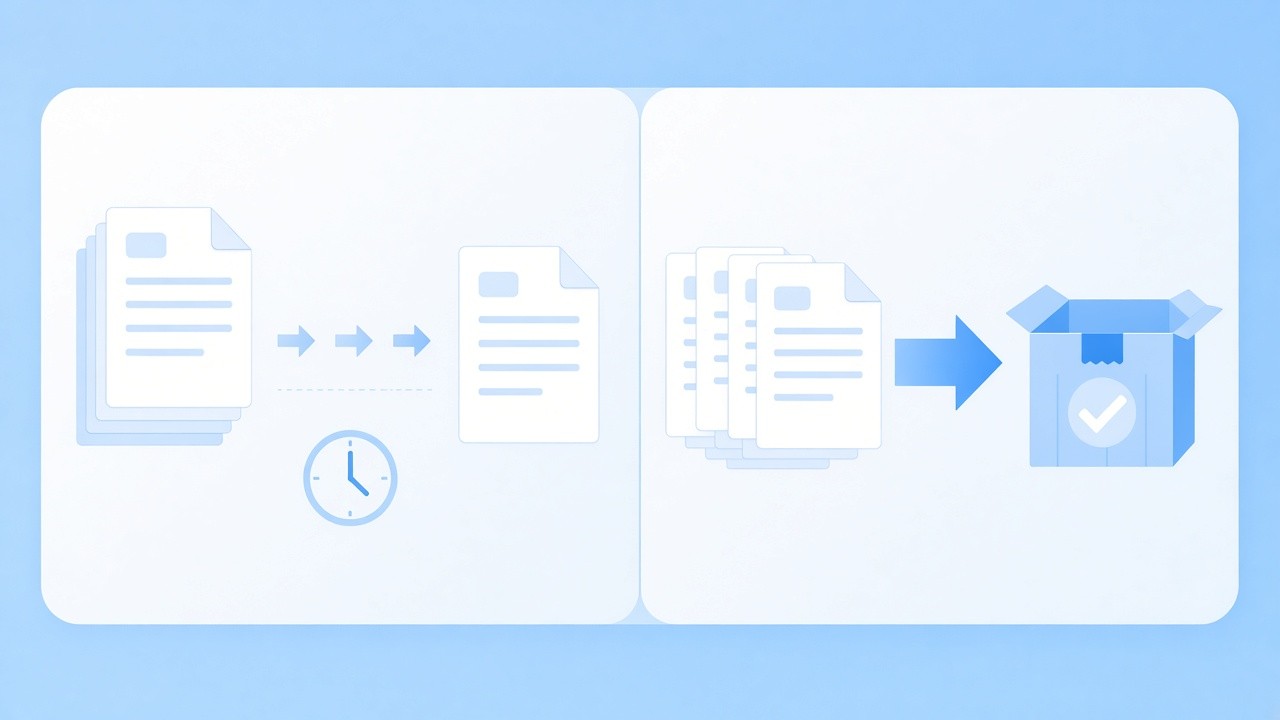
Converting one document is quick; converting forty is where the repetition hurts. Opening each file, copying the output, naming it, and saving it adds up. With batch PDF to Markdown conversion you make the selection once and get a tidy archive back, with names that match the originals, so the PDF to Markdown files drop straight into a repository, a wiki, or a notes folder.
Everything still happens in your browser. Files are read one after another with pdf.js, which keeps memory use manageable, and nothing is sent to a server. There is no fixed file count; very large sets depend on your device's memory, so split a huge archive into a few batch PDF to Markdown runs if the tab slows down.
- One ZIP with a PDF to Markdown file per source
- Page and table counts for each file
- Scanned files flagged instead of left silently empty
Limits of batch PDF to Markdown
Each file goes through the same PDF to Markdown rules as the single converter. Scans have no text layer and the tool does not run OCR, so they come out empty and are flagged. Merged table cells are flattened, rotated tables are not detected, borderless tables need at least three rows, and the first row always becomes the header. Files are processed in sequence, not in parallel, and there is no folder picker or per-file setting yet.
Batch PDF to Markdown in practice
Three jobs where converting many PDF to Markdown files at once pays off.
Knowledge base migration
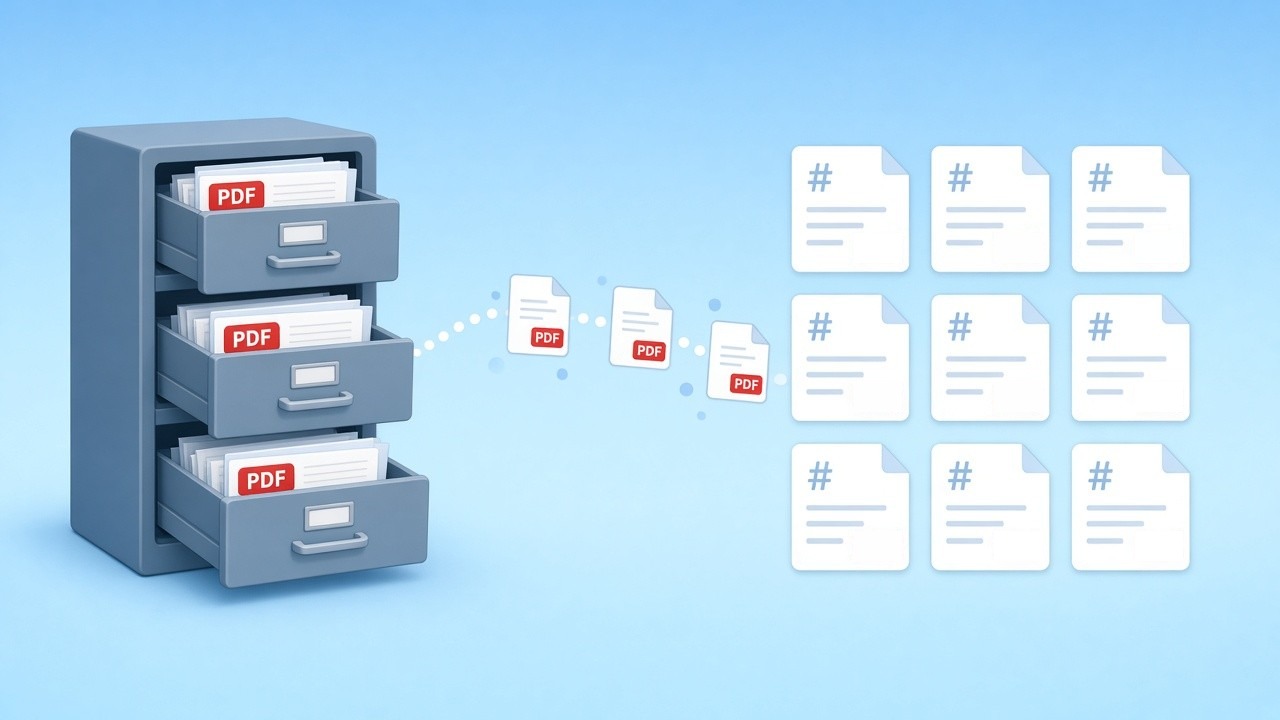
Move an old shared drive of manuals into a docs site or wiki. Batch PDF to Markdown conversion gives you editable files you can commit and review.
Start a batch
Course materials
Convert a semester of handouts and exported slides in one go, then sort the PDF to Markdown notes by week.
Convert handouts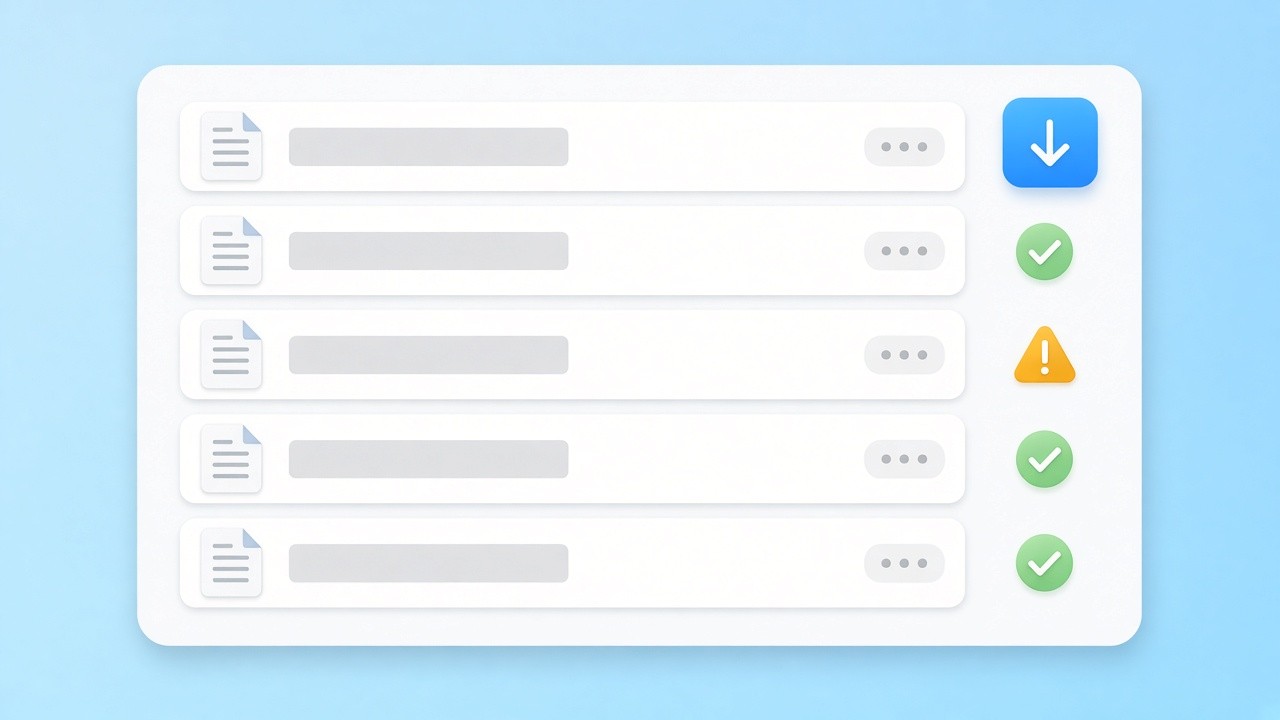
Review before you share
The results list shows which files converted cleanly and which look scanned, so you can fix those before the batch PDF to Markdown archive goes to anyone else.
See the results list
Batch PDF to Markdown, kept private
Every PDF to Markdown conversion in the set runs in your browser with pdf.js. No file reaches our servers, and the ZIP is built on your device too. That matters when a batch holds contracts, reports, or student work.
Need pages again?
When the edited PDF to Markdown files need to go back to print, the reverse page renders Markdown as A4 pages, one document at a time.
Related tools
Other pages that help with PDF to Markdown work.
Run a batch PDF to Markdown job now
Drop a set of documents, check the list, and download one ZIP of clean PDF to Markdown files. Free, private, and nothing to install.
Convert several filesSources
- pdf.js — Mozilla
- GitHub Flavored Markdown Spec — GitHub
FAQ
Questions about batch PDF to Markdown limits, output, and privacy.
How many files can one batch PDF to Markdown run handle?
There is no fixed cap. Very large sets depend on your device's memory, so split a huge archive into a few runs if the tab slows down.
What is inside the ZIP?
One PDF to Markdown result per source, saved as .md and named after the original. Duplicate names get a -2 suffix so nothing is overwritten.
Are tables kept in batch PDF to Markdown output?
Yes, for most text-based tables: they become GFM pipe tables with a header row; in our tests all 12 table fixtures passed. Merged cells are flattened and rotated tables come through as plain lines.
What happens to scanned files?
They come out empty and are flagged in the results list: scans have no text layer, and the tool does not run OCR.
Can I add a whole folder?
Not as a folder. Open it in the file picker, select all the files inside, and add them in one go.
Are files uploaded during PDF to Markdown conversion?
No. Conversion and ZIP creation both happen in your browser, and nothing is sent to a server.
Can I convert just one file?
Yes. The main PDF to Markdown converter handles a single file with a live preview and a copy button.