Structure-aware extraction
Online PDF to MD Converter
Updated · pdftomd.tools team
A PDF to MD converter turns a text-based PDF into Markdown that already has its outline. This one reads font sizes and list markers to rebuild headings, bullets, and paragraphs, so you edit content instead of retyping structure.
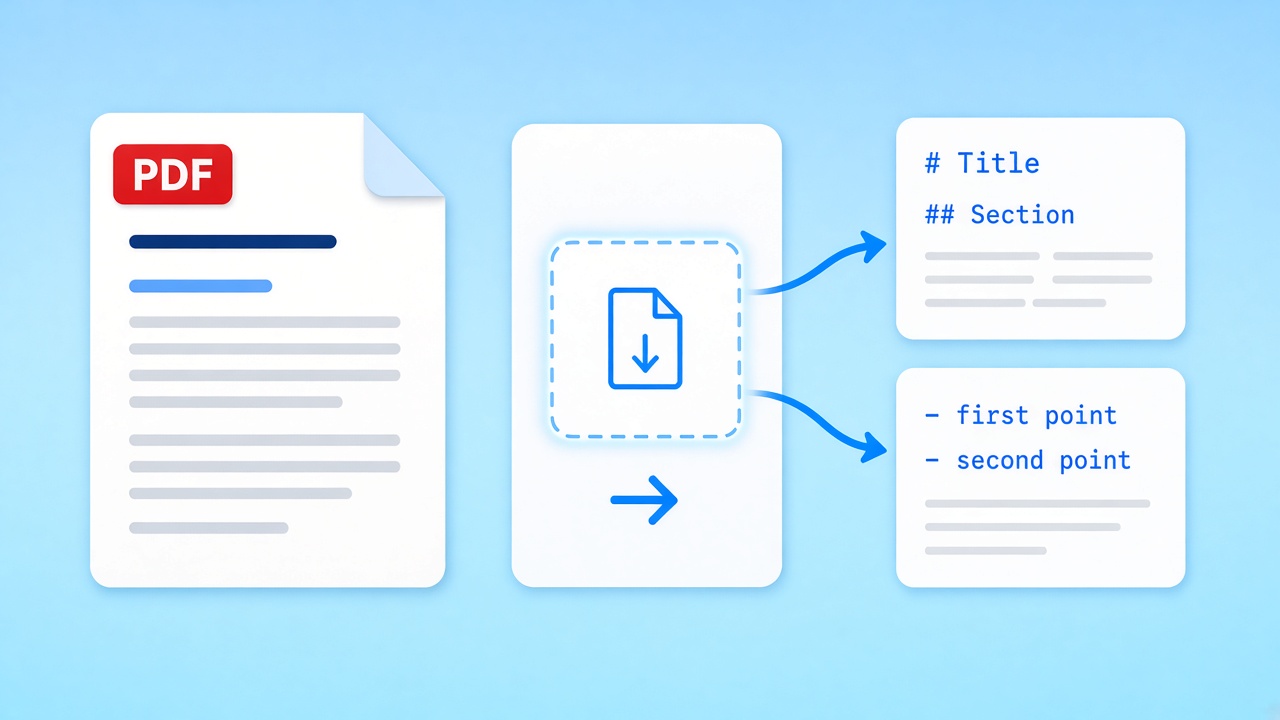
The PDF to MD converter below works on one file at a time. Drop a document, read the PDF to MD preview, then copy it or save a .md file. Everything happens in this tab.
Source PDF
Drop a PDF here, or click to browse
Text PDFs only. Scans need OCR, which this tool does not run.
Markdown preview
Markdown output will appear here.
How the PDF to MD converter reads a page
Four PDF to MD passes run in your browser the moment a file lands.
 01
01Load the text layer
pdf.js opens the file locally and reads every text run with its position and size. No pixels are guessed, so PDF to MD conversion only works where real text exists.
Drop a file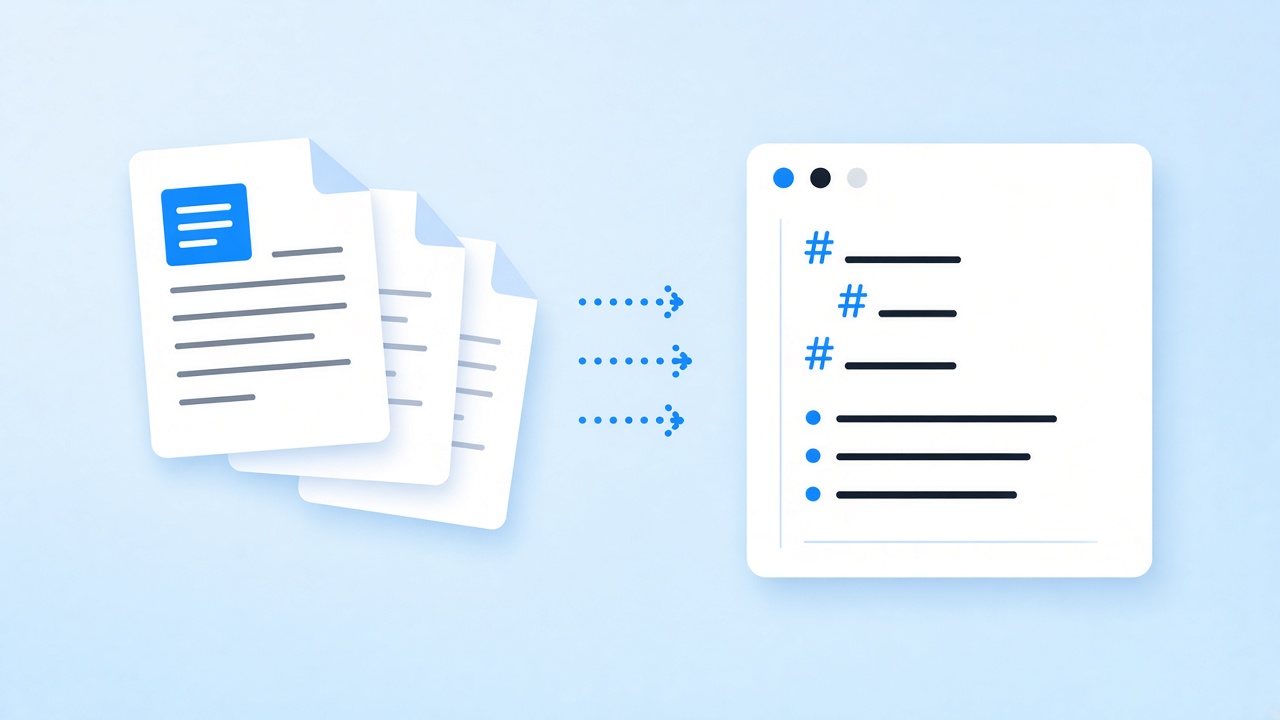 02
02Group runs into lines
Runs that share a baseline are joined into lines, then lines are stacked in reading order from top to bottom for the PDF to MD pass.
See it work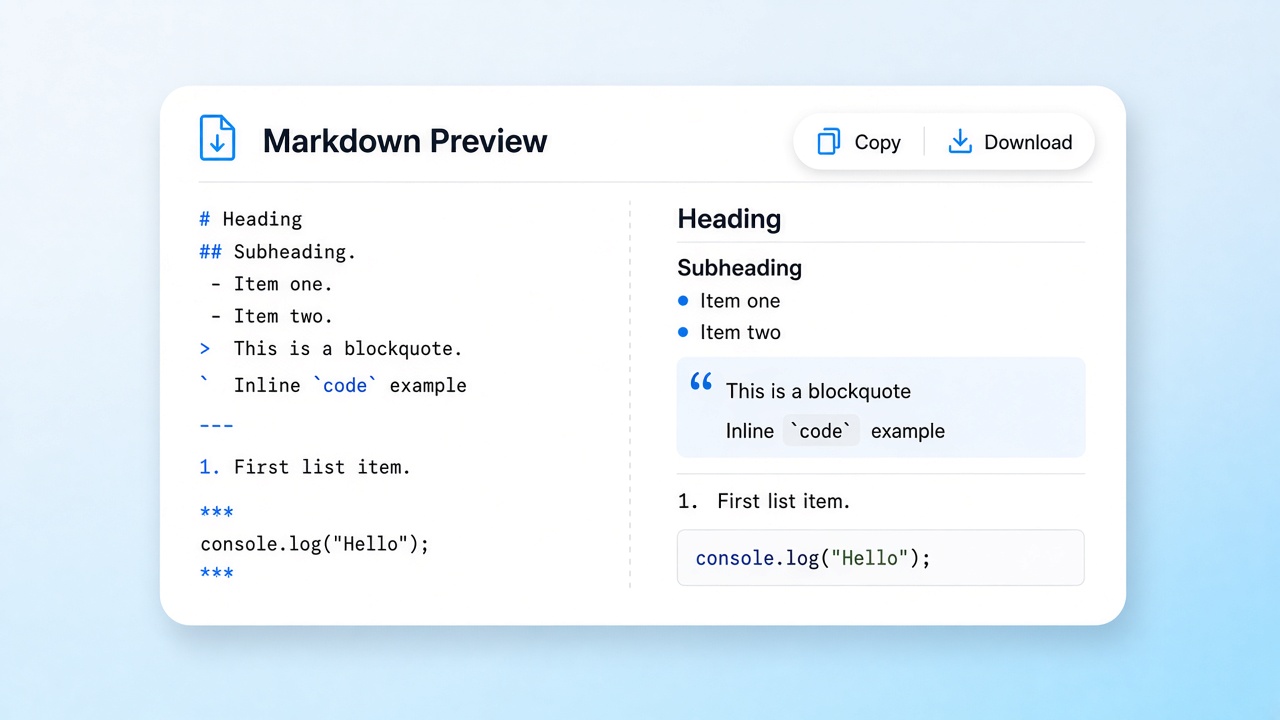 03
03Detect structure
Larger lines become headings, up to four levels. Bullet glyphs and numbered prefixes become list items, rows aligned in columns become a table, and the rest of the PDF to MD output flows into paragraphs.
Check the preview 04
04Write the Markdown
Pages are joined into one clean file, and a paragraph cut by a page break is rejoined. Copy the PDF to MD result or download it in one click.
Copy or download
What a PDF to MD converter should keep
A PDF to MD converter is judged by the outline it hands back. A PDF, specified in ISO 32000, stores words as positioned fragments, not as headings and lists, so a plain copy and paste gives you one long wall of text, which is why PDF to MD conversion needs structure detection. Our PDF to MD converter rebuilds the hierarchy from visual cues: relative font size for headings, leading symbols for bullets, digits followed by a period or bracket for ordered steps.
The PDF to MD output is deliberately plain CommonMark. Headings use #, lists use - or 1., and paragraphs are separated by blank lines, which keeps the file friendly to Git diffs, static site generators, and note apps. Short all-caps lines are treated as section titles.
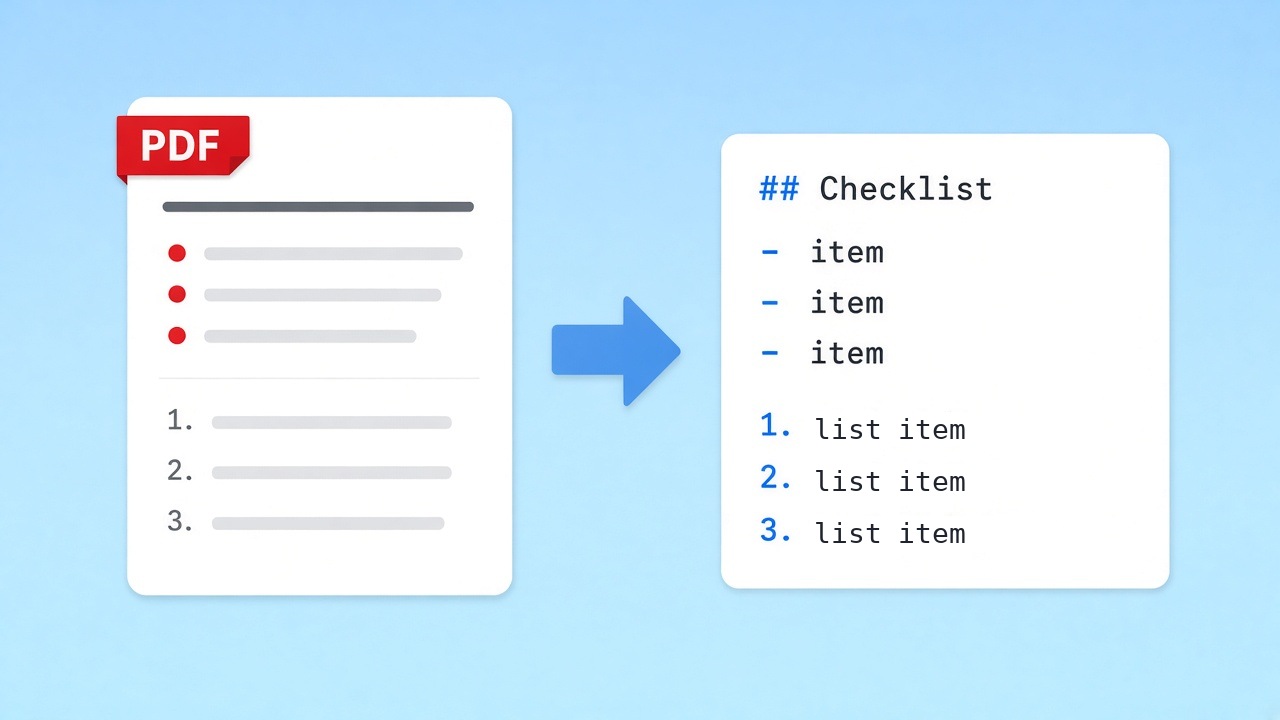
- Headings up to four levels from relative font size
- Bulleted and numbered lists from their markers
- Tables rebuilt as GitHub-flavored Markdown
- Paragraphs rejoined across pages in PDF to MD results
Where PDF to MD needs a human pass
Tables return as GitHub-flavored Markdown when their columns line up or are drawn with ruling lines, with the first row as the header. Merged cells are flattened, and rotated tables fall back to plain lines. Bold, italics, and links become plain text, and images are skipped. Two-column layouts can interleave lines, and scanned pages have no text layer at all, so the PDF to MD converter warns you instead.
Who uses a PDF to MD converter
Long, structured documents worth a PDF to MD pass.
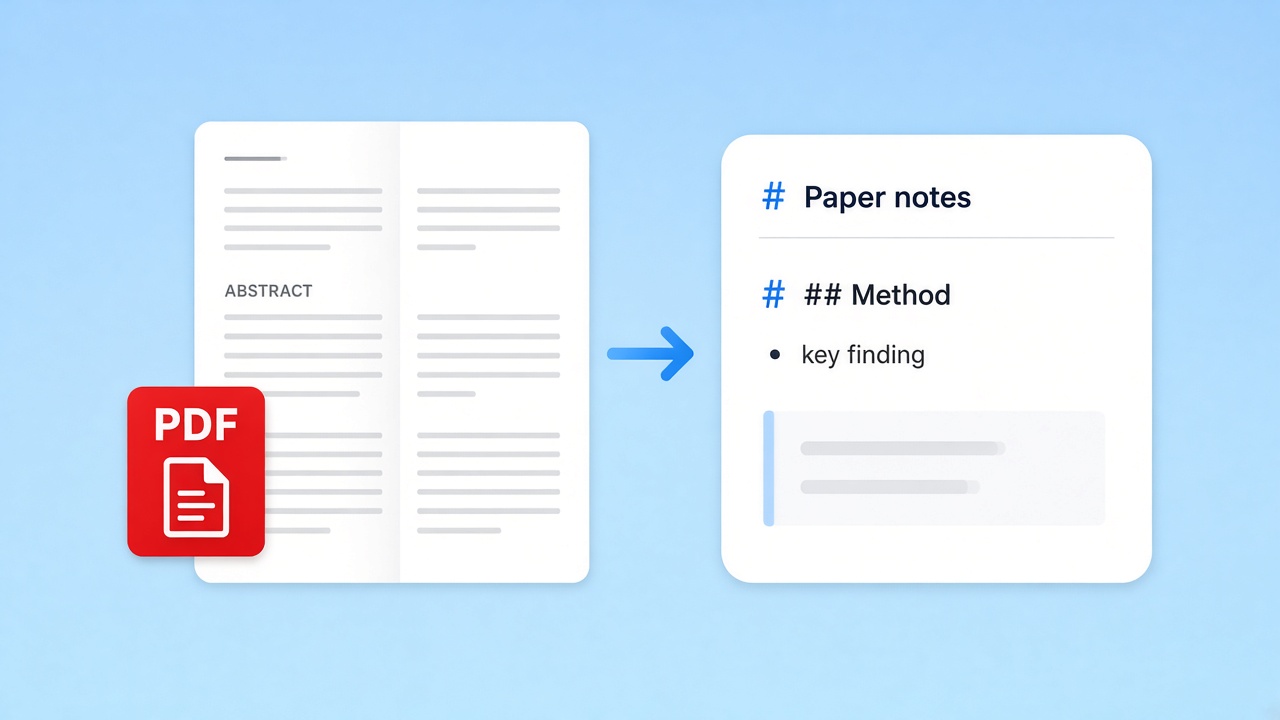
Research reading
Convert a paper with the PDF to MD tool, keep its section outline, and annotate the Markdown in your notes app instead of a locked viewer.
Obsidian guide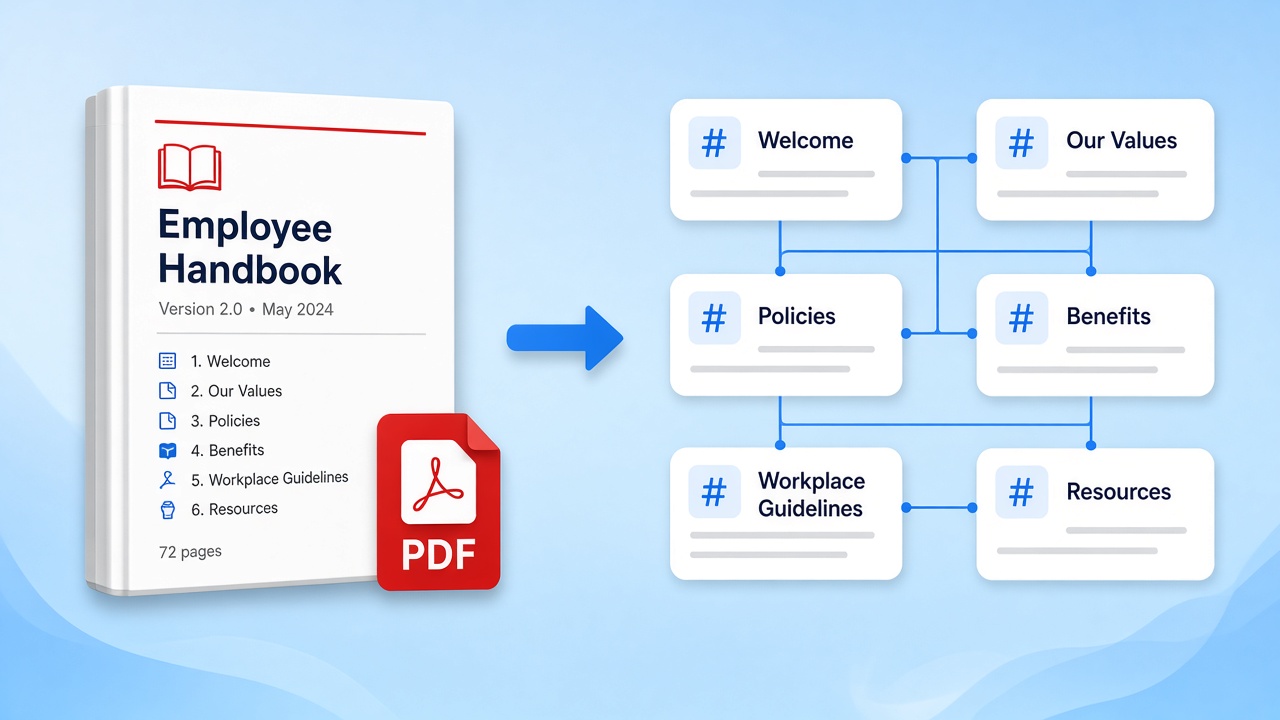
Handbooks to wikis
Move an employee handbook or product manual into a wiki. The PDF to MD converter keeps chapter headings, so splitting it into pages is quick.
Convert a manual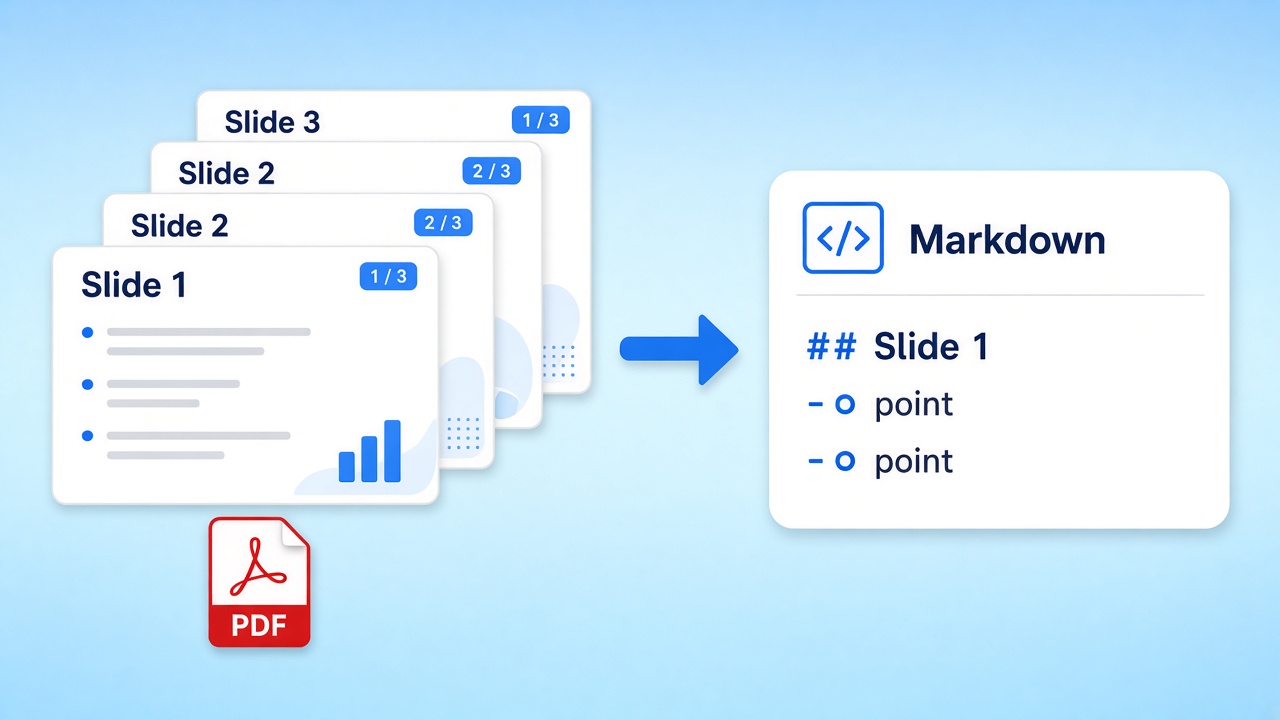
Slide outlines
Exported decks turn into a bullet outline you can reuse in a doc, a script, or a prompt. The PDF to MD output keeps slide titles as headings.
Prompt-ready text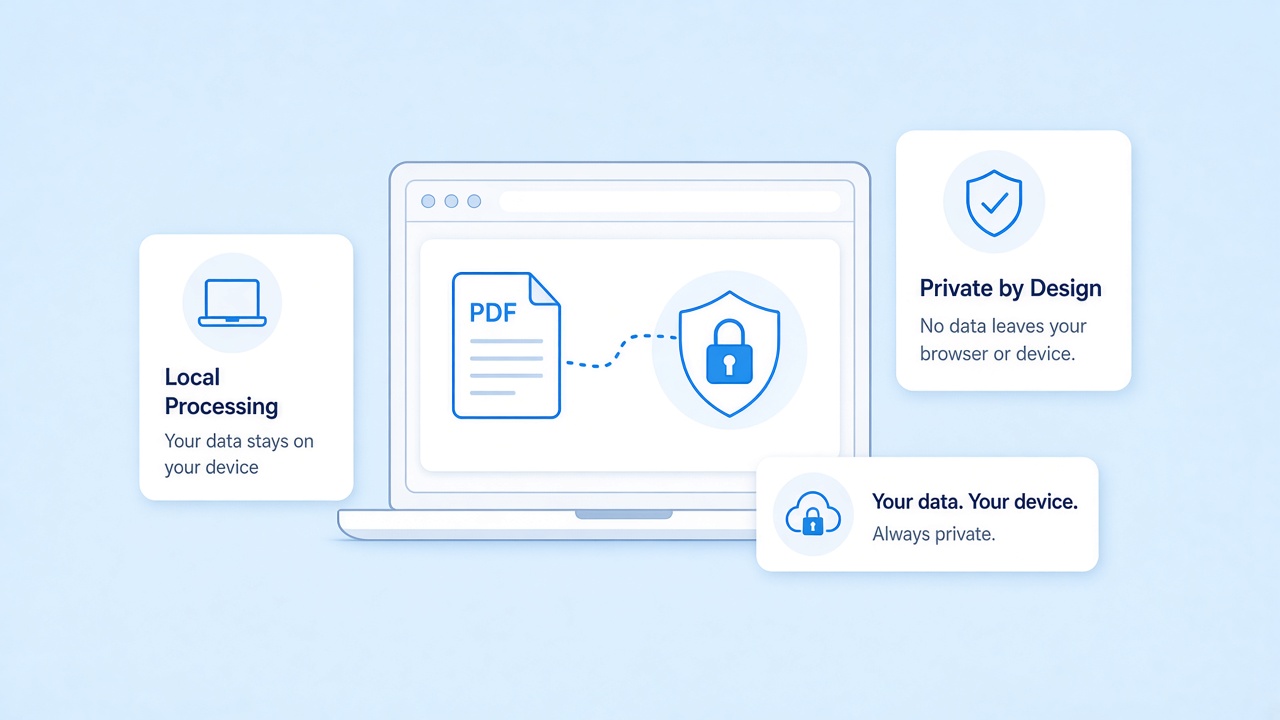
A PDF to MD converter that stays on your device
This PDF to MD converter does all of its work inside your browser tab with pdf.js. The file is never uploaded to our servers. Close the tab on shared machines when you are done.
Going from Markdown back to a document
For a printable copy of the edited PDF to MD text, the reverse page renders Markdown with a GitHub-style theme and saves an A4 file in the browser.
Related tools
Pages that pick up where this PDF to MD converter leaves off.
Run the PDF to MD converter now
Pick a text-based file, drop it in, and get an outlined PDF to MD draft. Free, private, and nothing to install.
Open the converterSources
- ISO 32000-2:2020 (PDF 2.0) — ISO, 2020
- CommonMark Spec 0.31.2 — CommonMark, 2024
- GitHub Flavored Markdown Spec — GitHub
- pdf.js — Mozilla
FAQ
How PDF to MD conversion behaves, what it keeps, and where it stops.
How does the PDF to MD converter find headings?
It compares each line's font size with the typical body size. Lines clearly larger become headings from # to ####, and short all-caps lines become section titles.
Will PDF to MD conversion keep my tables?
Yes, for most text-based tables; in our tests all 12 table fixtures passed. Ruled grids and borderless tables with aligned columns become GitHub-flavored Markdown tables, with the first row as the header. Merged cells are flattened, and rotated tables come through as plain text.
Does PDF to MD conversion work on scanned pages?
No. Scans have no text layer, and there is no OCR. The PDF to MD converter shows a warning when a file looks image-based.
Is there a page or file size limit for PDF to MD?
No fixed cap; very large files depend on your device's memory.
Does the PDF to MD converter upload my file?
No. The file is read in your browser with pdf.js and never sent to our servers.
What happens at page breaks in multi-page results?
PDF to MD conversion joins the pages into one file without page markers. A paragraph that runs onto the next page is rejoined when the break falls mid-sentence; otherwise one blank line separates the pages.
Can I run PDF to MD on several files at once?
This page handles one file per run. The batch page converts several files and packages the Markdown as a ZIP.