Free Markdown export
MD to PDF Converter
Updated · pdftomd.tools team
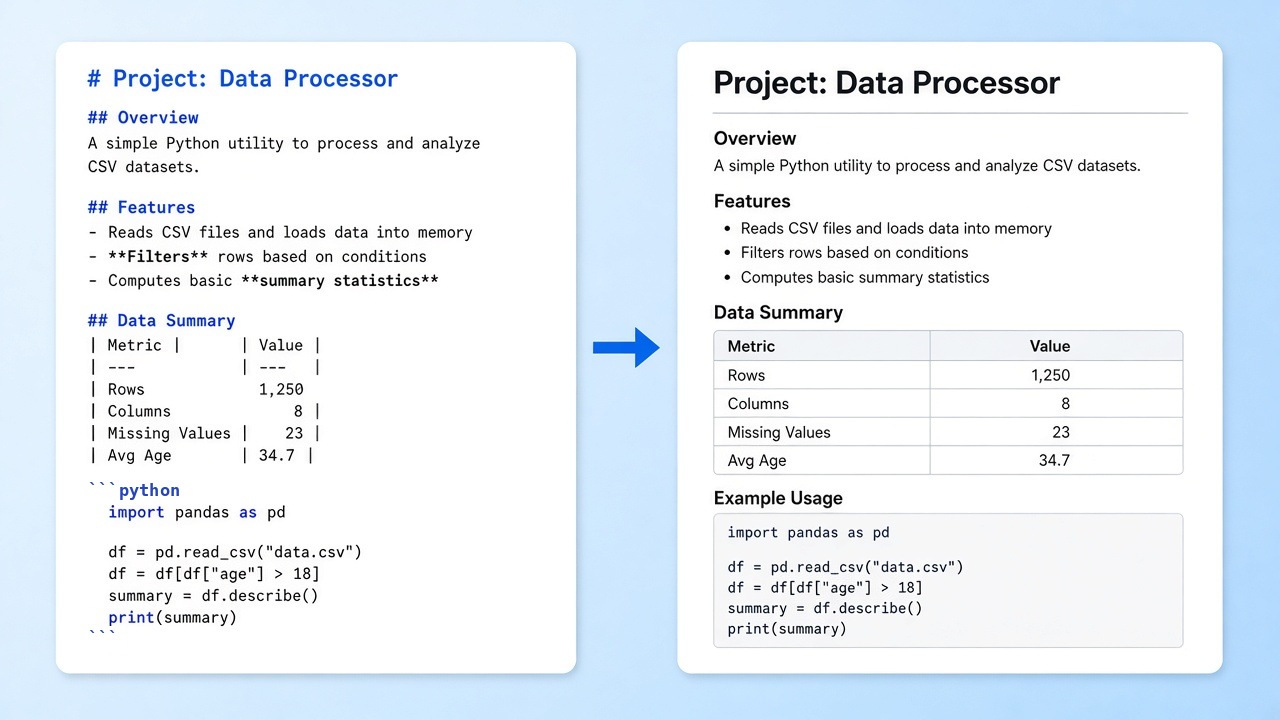
This MD to PDF converter turns a note, a README, or a spec into a shareable A4 document. It renders headings, lists, tables, and code blocks with a clean GitHub-style look, right in your browser.
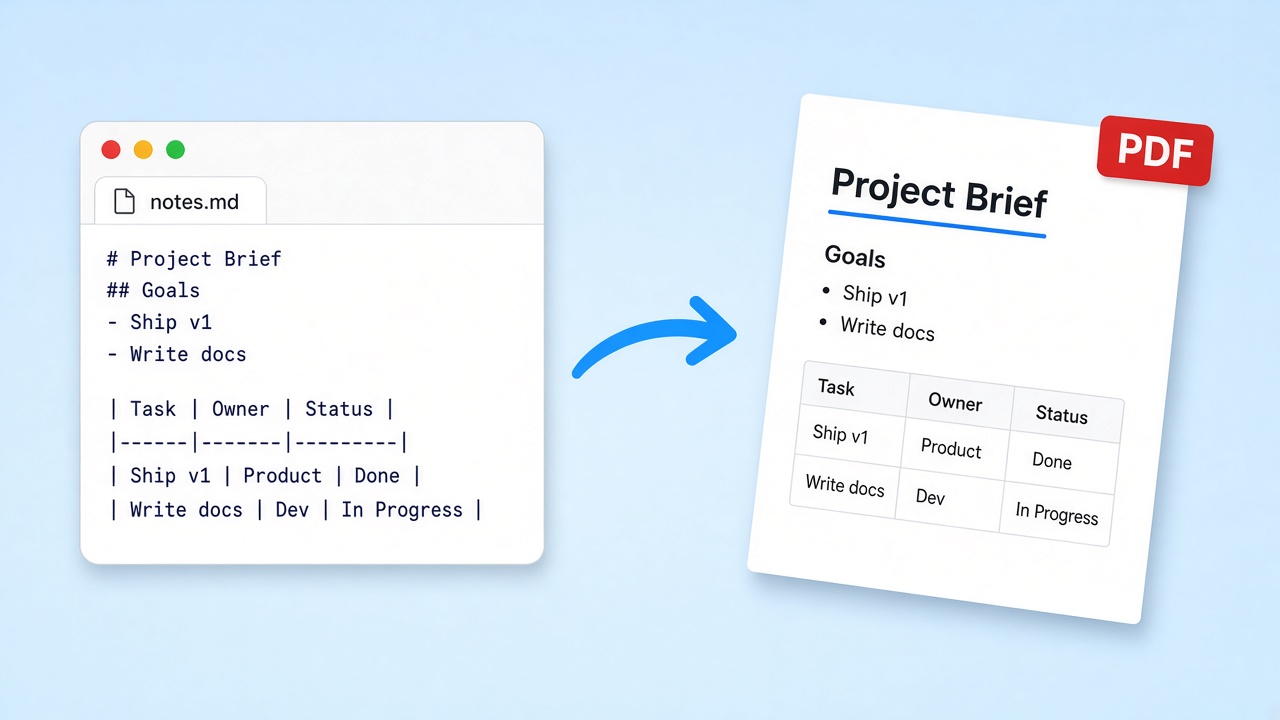
Use the MD to PDF converter below in one pass. Paste Markdown or upload a file on the left, watch the preview update on the right, then press Download when the layout looks right.
Markdown source
Rendered preview
Preview will appear here.
How MD to PDF works
Four steps from plain text to a finished file with the MD to PDF converter, all in this tab.
 01
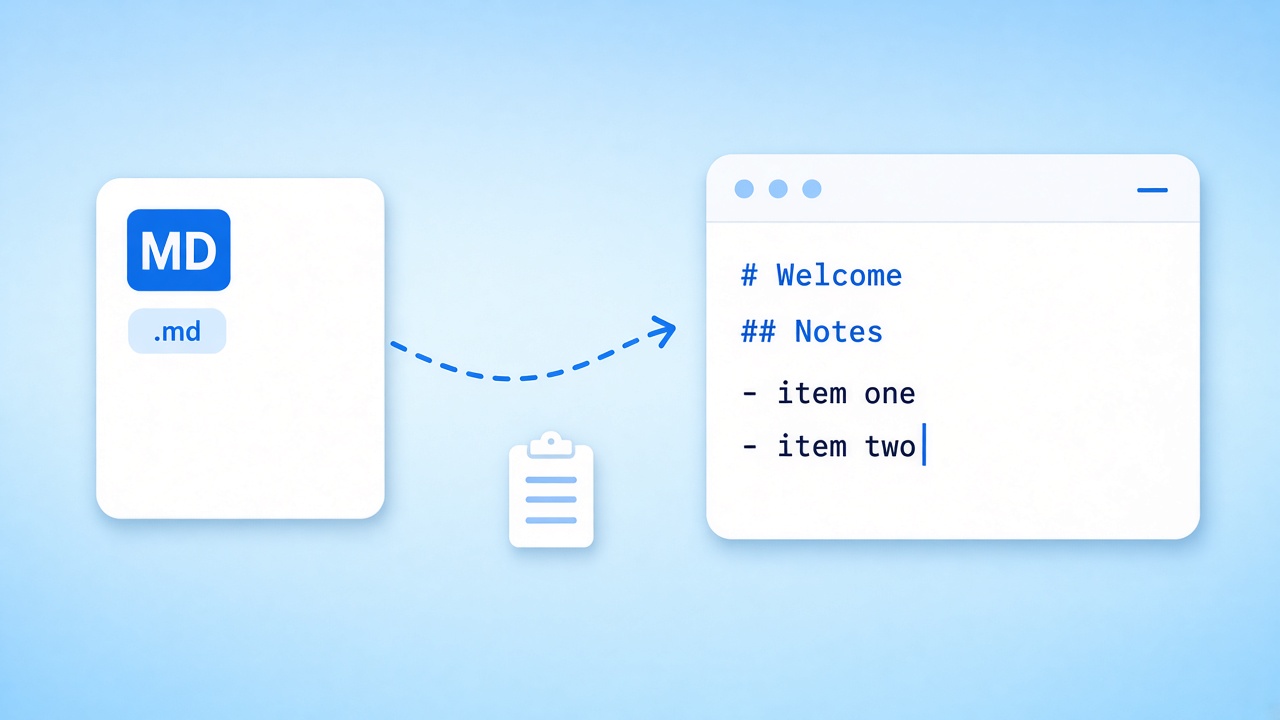
01Add your Markdown
Paste text into the editor, load the sample, or upload a Markdown or plain-text file. Nothing leaves your device during an MD to PDF conversion.
Go to the editor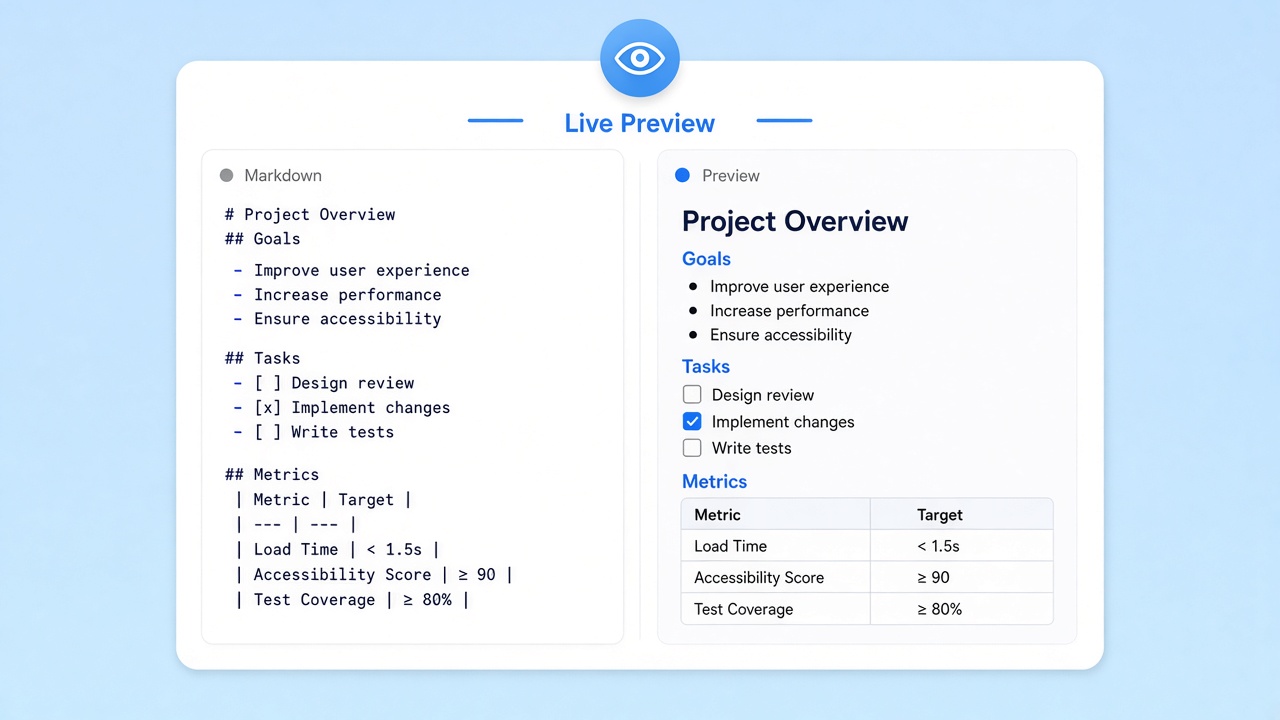 02
02Watch the preview
The right pane renders headings, lists, tables, quotes, and fenced code as you type, so an MD to PDF export never feels like guesswork.
Try the preview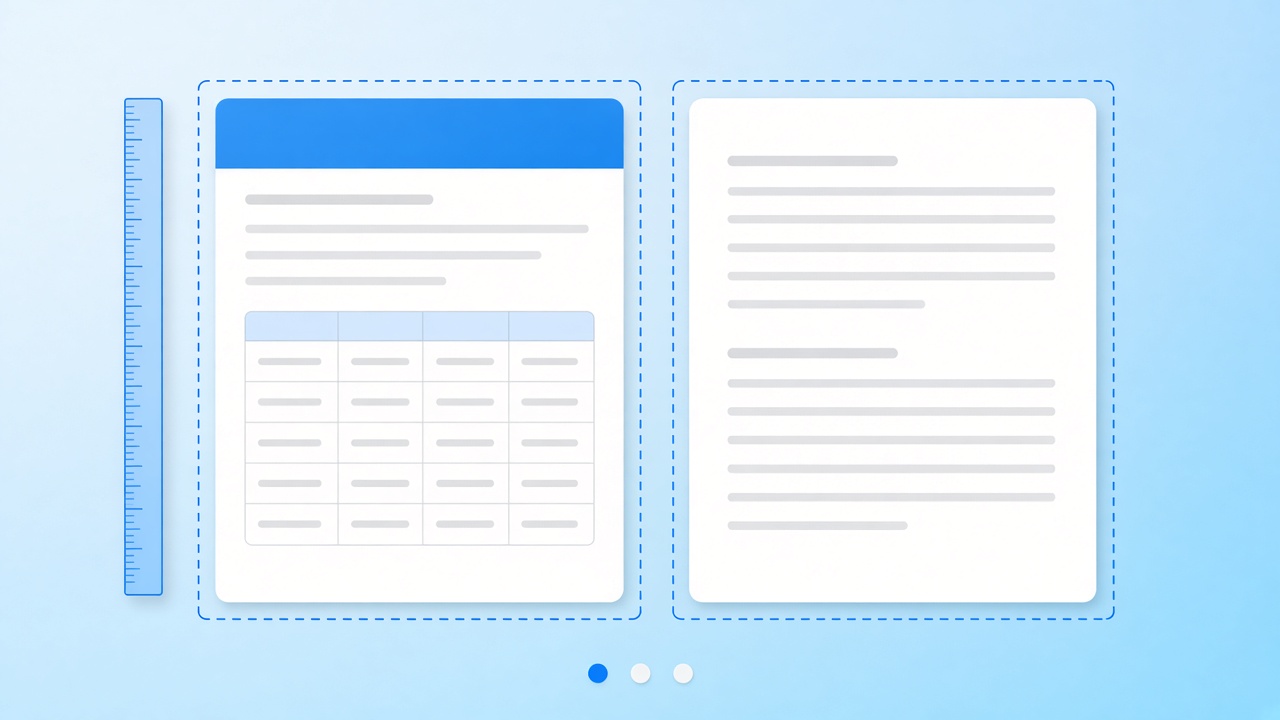 03
03Check the pages
Output is A4 portrait. Long documents flow onto extra pages automatically, so skim the preview and keep each page break in your MD to PDF export away from a table.
Check your layout 04
04Download the file
Press Download and the browser saves the result. Edit the source and run the MD to PDF converter again whenever the text changes.
Download in the tool
What is MD to PDF
MD to PDF is the job of taking a Markdown file—the plain-text format created by John Gruber and used in most READMEs—and producing a fixed-layout document that anyone can open, print, or attach to an email. People reach for MD to PDF when the writing is done and the audience does not live in a code editor: a client, a reviewer, a teacher, or a print shop.
Our MD to PDF converter keeps that handoff simple. It reads GitHub Flavored Markdown, applies one clean GitHub-style theme, and sizes the result for A4 paper. There is no theme picker, no page numbering, and no table of contents yet; the goal is a tidy, honest MD to PDF export with zero setup.
- Headings, emphasis, lists, block quotes, and links
- Tables with header rows and borders
- Fenced code blocks on a light grey panel
What to know before you export MD to PDF
Each MD to PDF export is laid out in the browser and saved as real text with embedded fonts, so you can select, search, and copy it, and only emoji are stored as small images. Pictures that load from other sites may be blocked by their servers and show up blank. Math and Mermaid diagrams are not rendered either. In our tests, the MD to PDF converter turned an 11-page Chinese report into a 322 KB file with 26 embedded font subsets and 12 working links.
Use cases for MD to PDF
Where an MD to PDF copy beats a link to raw text.
README handouts
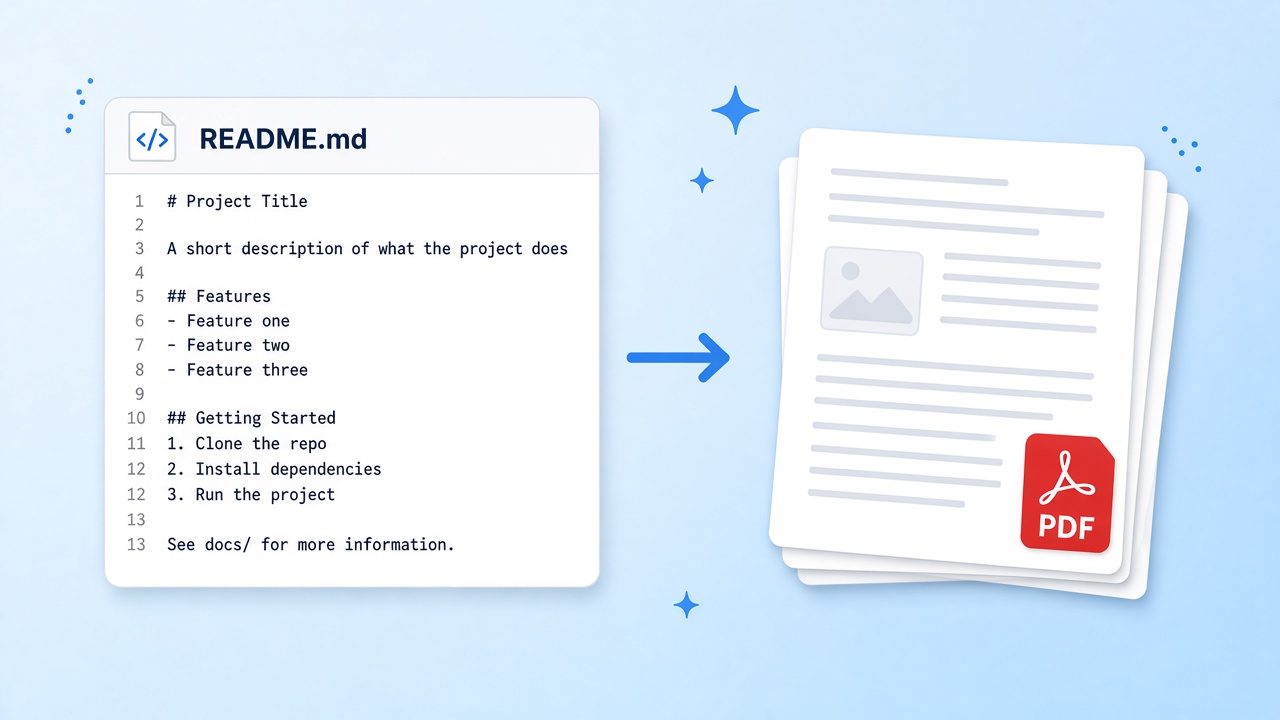
Turn a project README into a handout for a workshop or a client meeting. An MD to PDF export keeps install steps, tables, and code samples readable on paper.
Try it in the tool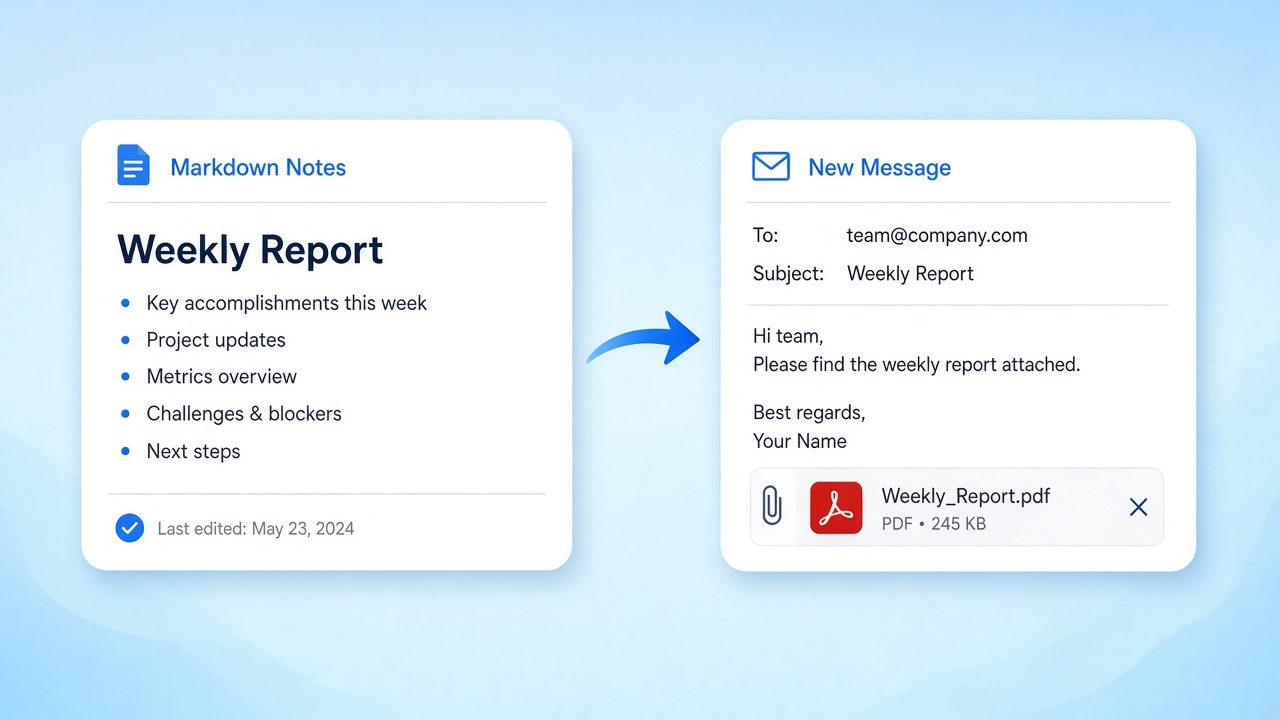
Weekly reports
Write status notes in Markdown all week, then run an MD to PDF export on Friday and attach one clean file to the email instead of pasting raw text.
Export a report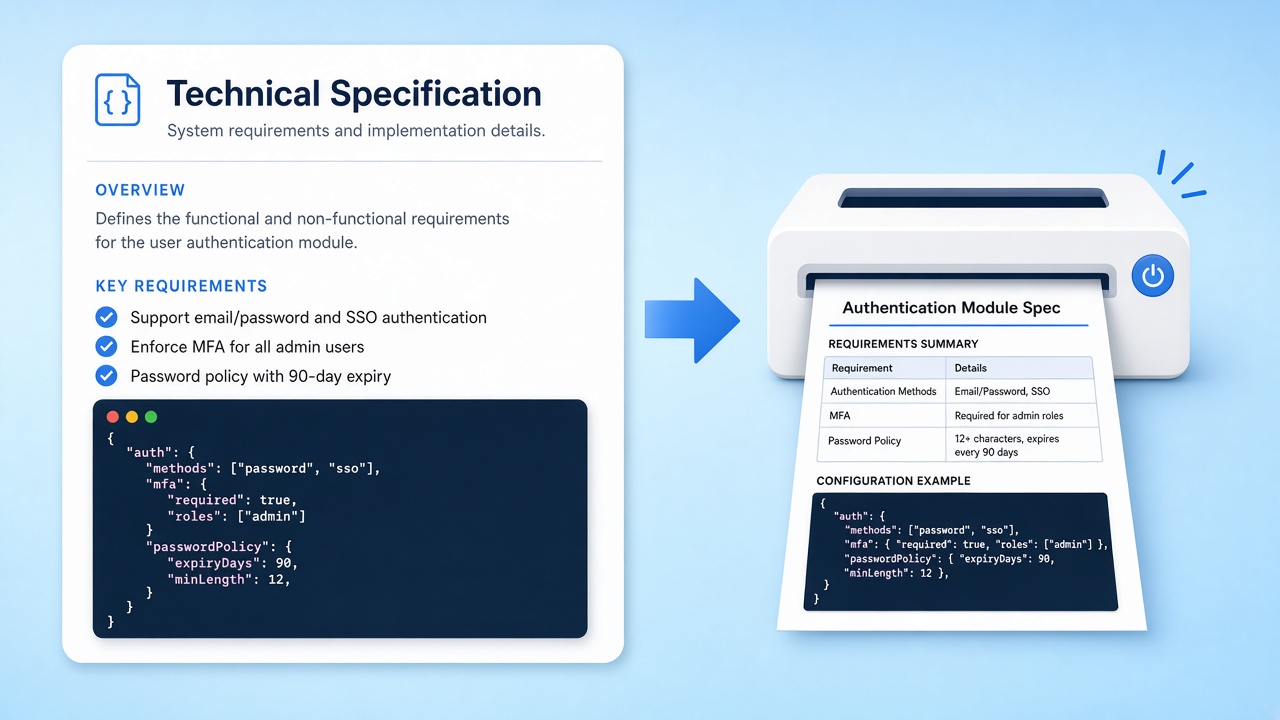
Specs and reviews
Share a technical spec with reviewers who do not use Git. An MD to PDF copy gives them a stable version to annotate while you keep editing the source.
Markdown print export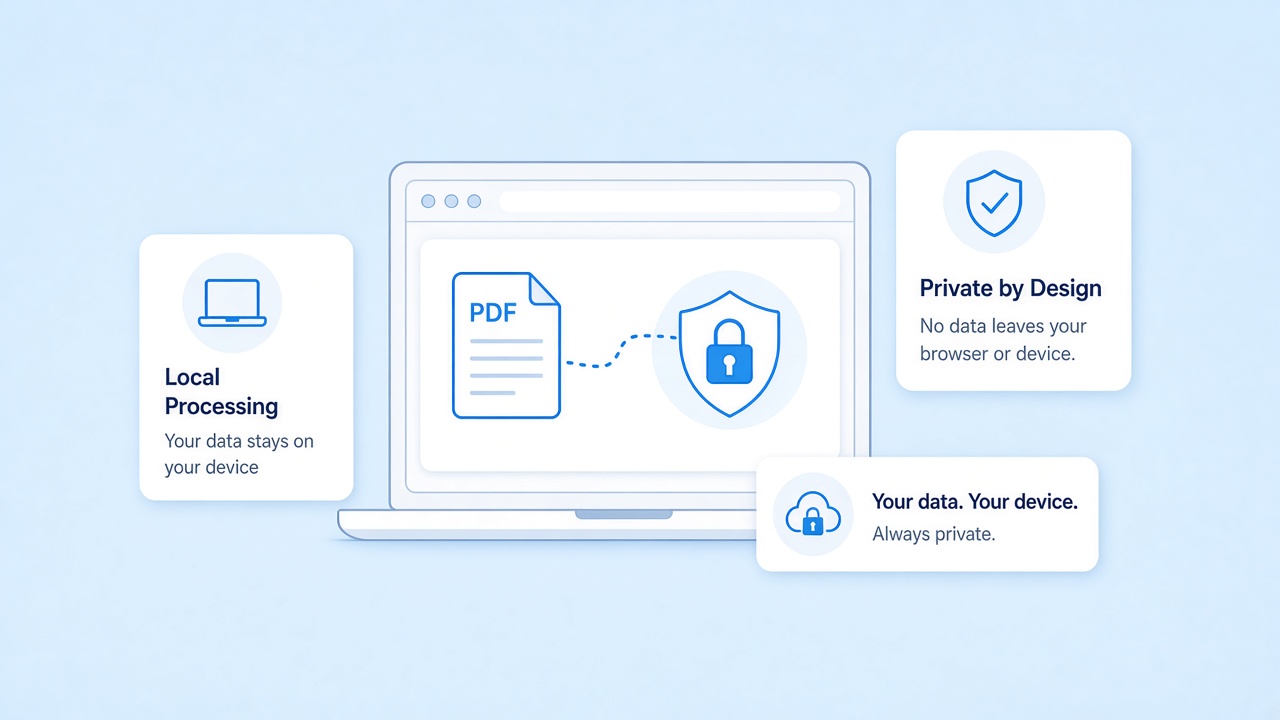
Privacy for in-browser MD to PDF
Every MD to PDF export on this page runs in your browser. The MD to PDF converter renders the Markdown you paste or upload on your own machine, and nothing is sent to our servers, which keeps drafts, contracts, and internal notes off shared infrastructure. Close the tab when you finish on a shared computer.
Need the reverse of MD to PDF
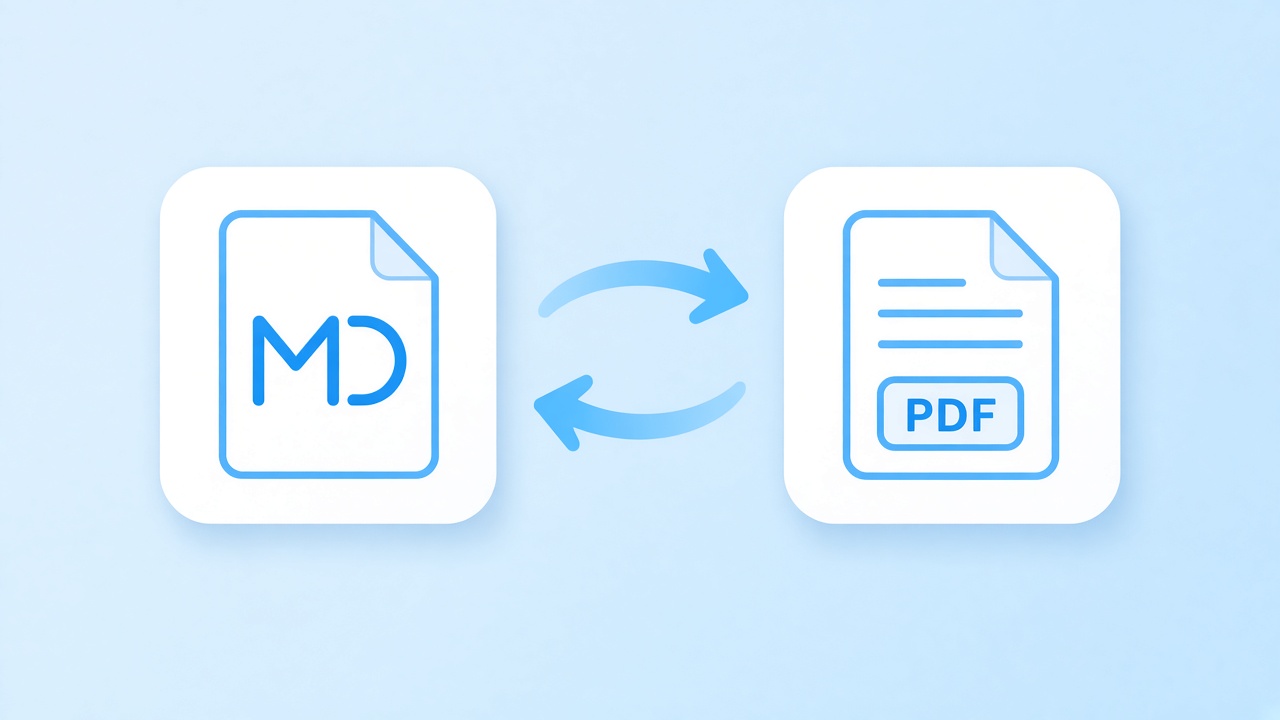
An MD to PDF conversion only goes one way. When what you need is editable text, our homepage reads text-based documents and returns Markdown you can copy, edit, and commit.
Related tools
Pages that pair well with the MD to PDF converter, each one a click away.
Start an MD to PDF export
Jump to the MD to PDF converter, paste or upload, and download the result. No account, no upload, no watermark.
Open the editorSources
- Markdown: Syntax and project page — Daring Fireball, 2004
- GitHub Flavored Markdown Spec — GitHub
- ISO 32000-2:2020 (PDF 2.0) — ISO, 2020
FAQ
Short answers about layout, privacy, and current limits.
Is this MD to PDF converter free?
Yes. The MD to PDF converter on this page is free to use in your browser, with no account and no watermark on the file.
Does MD to PDF upload my Markdown?
No. MD to PDF rendering and export happen locally in your browser. Your text is not sent to our servers at any point.
Which Markdown features does MD to PDF support?
GitHub Flavored Markdown: headings, emphasis, lists, block quotes, links, tables, and fenced code. Math and Mermaid diagrams are not rendered yet.
Can I pick a theme, page numbers, or a table of contents?
Not yet. Every MD to PDF export uses one GitHub-style theme on A4 portrait pages, without page numbers or an automatic table of contents.
Is the text in an MD to PDF file selectable?
Yes. Text is saved as real text with embedded fonts, so you can select, search, and copy it. Emoji are the exception and are stored as small images.
Why is an image from my Markdown missing?
Pictures hosted on other sites can be blocked from loading in the browser. Use sources that allow it, or check the preview before you run the MD to PDF export.
Can I turn a document back into Markdown?
Yes, for text-based files. Use the reverse tool linked above; it returns editable Markdown you can copy or download, while this MD to PDF tool itself only runs one way.