The Best Document Format for ChatGPT, Tested With Real Files
By pdftomd.tools team · Updated · 7 min read
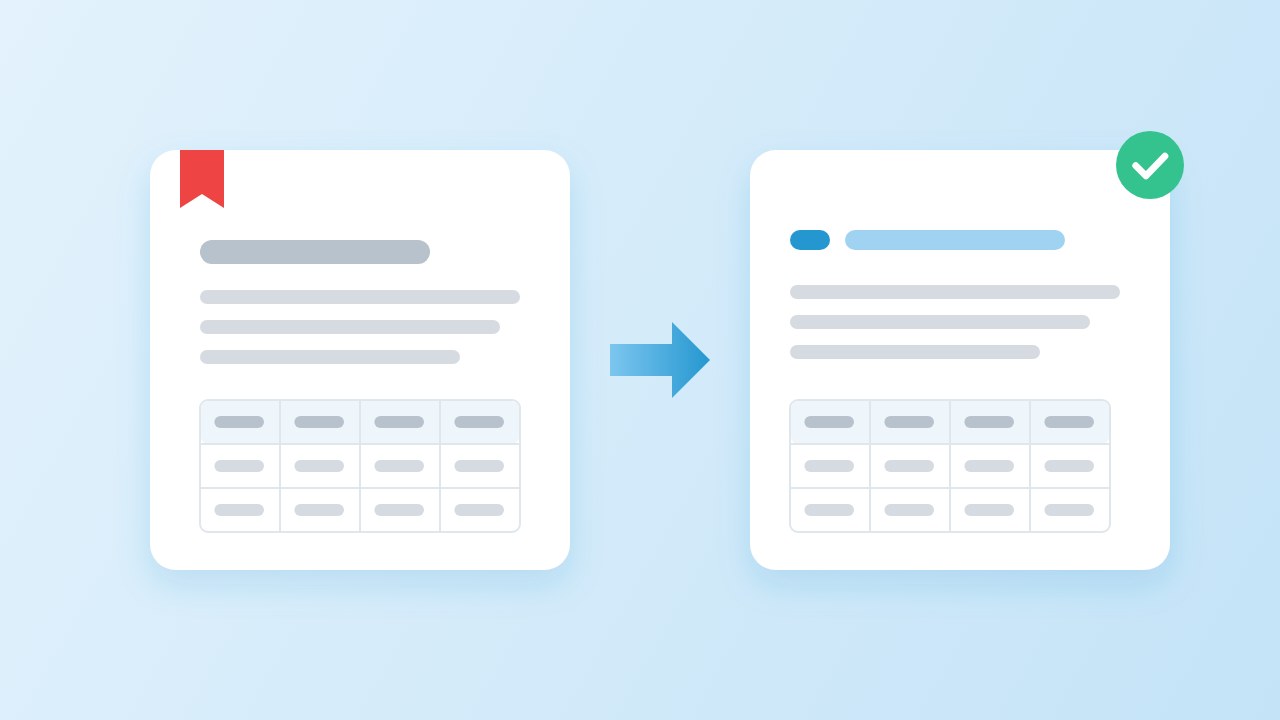
For text documents, the best document format for ChatGPT is clean Markdown: headings, lists and tables survive as plain characters, and it costs about as many tokens as plain text. Keep the PDF when charts or page layout matter. To get the Markdown, run the file through a PDF to Markdown for LLM converter and check the headings.
Short answer: what is the best document format for ChatGPT?
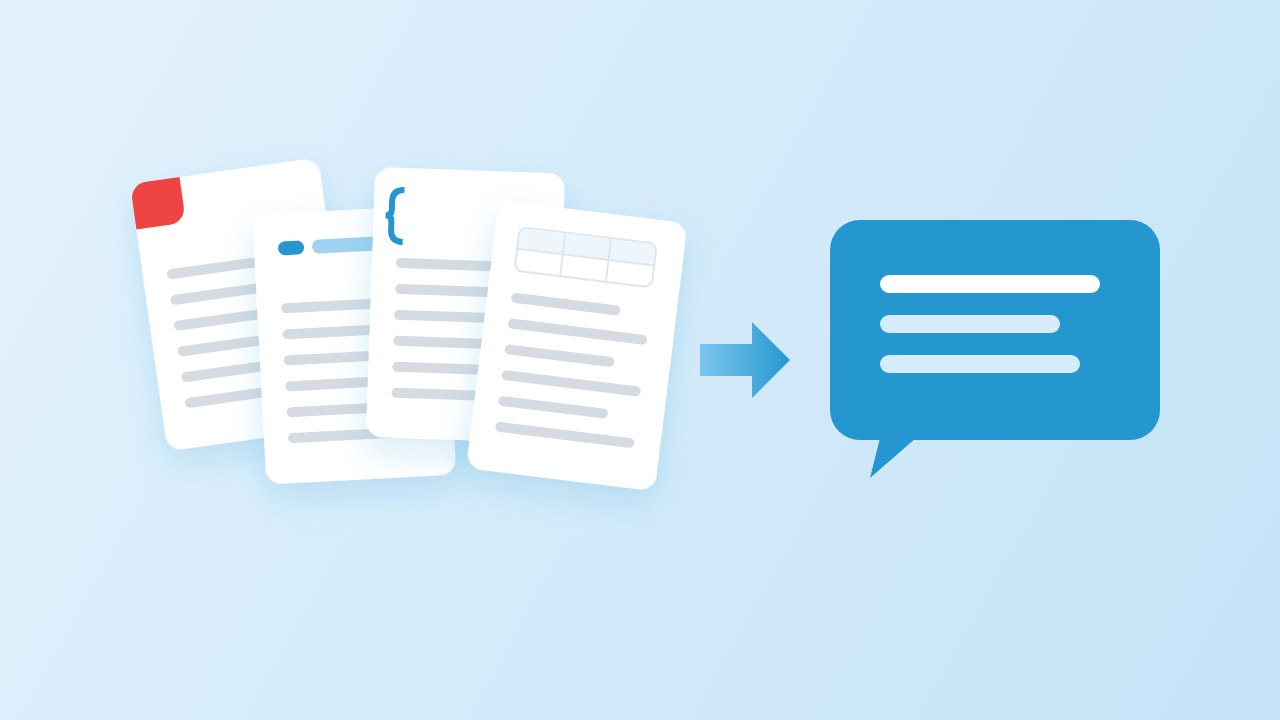
The best document format for ChatGPT depends on what the document is. A quick guide:
| Your content | Give the model | Why |
|---|---|---|
| Reports, manuals, contracts, notes | Markdown | Structure (headings, lists, tables) in plain characters |
| Prose with no structure | Plain text | Same cost as Markdown, nothing to lose |
| Charts, scans, forms, slides | The PDF itself | The model needs the page images |
| Rows of data | CSV or a spreadsheet | One record per line, easy to count and filter |
| Records for a program to use | JSON | Exact fields and types, at a higher token cost |
The rest of this guide explains the reasoning: what the model actually receives when you upload a PDF, what we measured when we counted tokens for the same documents in six formats, and how to prepare a file so the answer is grounded in the right section.
What happens when you upload a PDF
To choose the best document format for ChatGPT, start with what a PDF turns into. A PDF is a page description, not a text file. To read one, a model provider has to pull the text out, and the large providers also render the pages as pictures. OpenAI’s file inputs guide says that for PDFs on vision-capable models, the API extracts both the text and an image of each page and sends both to the model; other text files are sent as text only. Anthropic describes the same approach for Claude:
“The system converts each page of the document into an image. The text from each page is extracted and provided alongside each page’s image.”
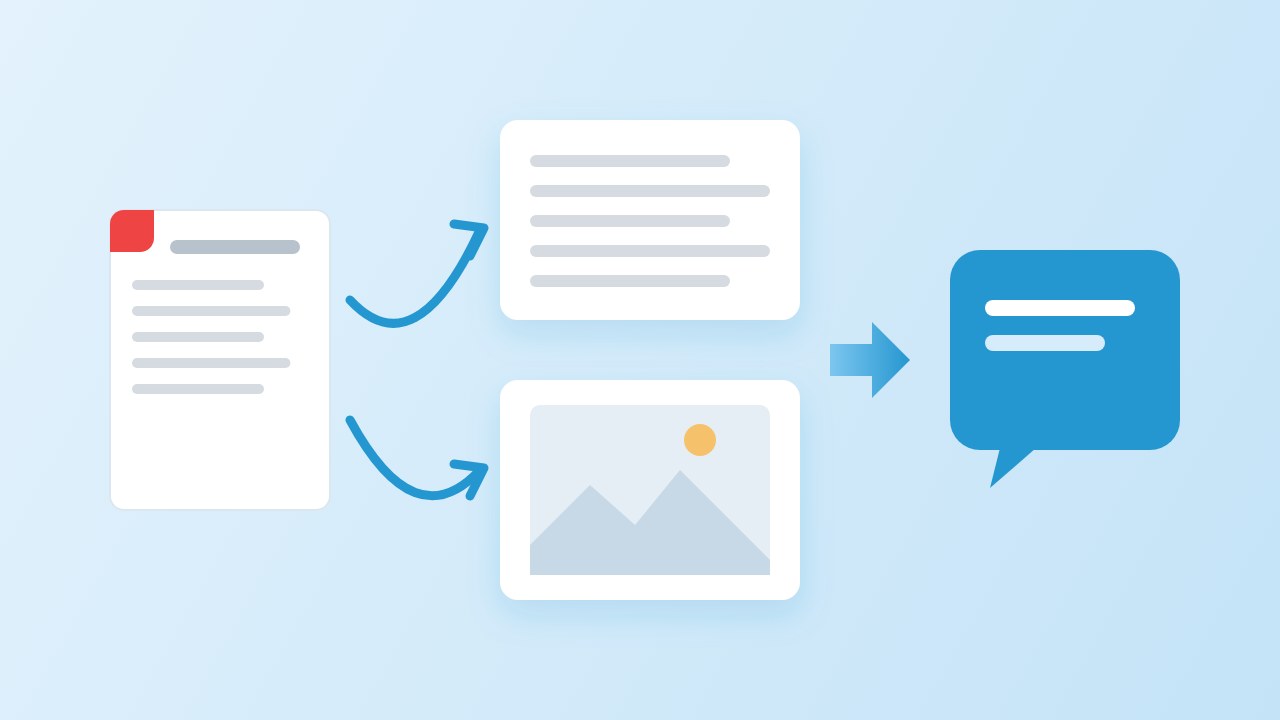
That is the core of markdown vs pdf for ai. The images help when the page has a chart or a scanned signature, and they cost extra: Anthropic’s page estimates 1,500 to 3,000 tokens per page for the text alone, before the images, and OpenAI warns that PDF inputs can raise token use. The extracted text is also only as good as the PDF’s text layer, so running headers, page numbers and broken tables arrive as they are. Both documents describe the developer APIs; the consumer chat apps do not publish the same level of detail.
Tokens: PDF vs Markdown and four other formats
To put numbers on tokens pdf vs markdown, we took four PDFs and turned each one into six text formats on 2026-10-19: our clean Markdown conversion, pdftotext plain text with and without layout, HTML rendered from the Markdown, and JSON with one object per block, pretty-printed and minified. We counted tokens with OpenAI’s tiktoken library (o200k_base encoding). We did not count the PDF path itself, because the page images are priced by each provider in its own way.
| Document | Markdown | Plain text | Text, layout kept | HTML | JSON | JSON, minified |
|---|---|---|---|---|---|---|
| English guide, 5 pages | 2,651 | 2,667 | 2,724 | 3,237 | 4,086 | 3,195 |
| Chinese report, 11 pages | 8,697 | 8,713 | 8,804 | 9,796 | 11,063 | 9,402 |
| English report, 4 pages | 145 | 217 | 229 | 246 | 379 | 225 |
| Tables, 1 page | 106 | 99 | 102 | 211 | 265 | 154 |
| All four | 11,599 | 11,696 | 11,859 | 13,490 | 15,793 | 12,976 |
| Relative to Markdown | 1.00× | 1.01× | 1.02× | 1.16× | 1.36× | 1.12× |
The honest reading: Markdown and plain text cost almost the same. Across all four files plain text was 1% larger, and on the one-page table file it was slightly smaller, because pipes cost tokens. The big gap on the 4-page report comes from cleanup, not syntax: plain text kept four copies of the running header and four page numbers. HTML cost 16% more than Markdown, pretty-printed JSON 36% more and minified JSON 12% more.
So Markdown is the best document format for ChatGPT not because it is tiny, but because the structure comes almost for free: plain text spends the same tokens and throws the headings and table columns away.
Why is markdown better for LLMs than JSON or HTML?
Asked plainly, why is markdown better for llms? Three reasons hold up. First, the structure is visible: a ## line is a section, a | row is a table, and a model has seen enormous amounts of both. Second, there is little noise: no closing tags, no quotes around every key, no escaped characters. Third, the provider guides lean the same way. OpenAI’s GPT-4.1 prompting guide suggests Markdown as the place to start for prompt structure, notes that JSON can be more verbose and needs character escaping, and reports that in its long-context tests JSON performed poorly as a container for many documents, while XML did well.
On json vs markdown for llm work, then: use JSON when a program will read the result or when the data is a list of records with fixed fields. Use Markdown for documents a model has to read and reason about. If you pass several documents at once, wrapping each Markdown file in a simple tag such as <document title="…"> gives you the separation XML offers without converting the content.
How to prepare a document for ChatGPT
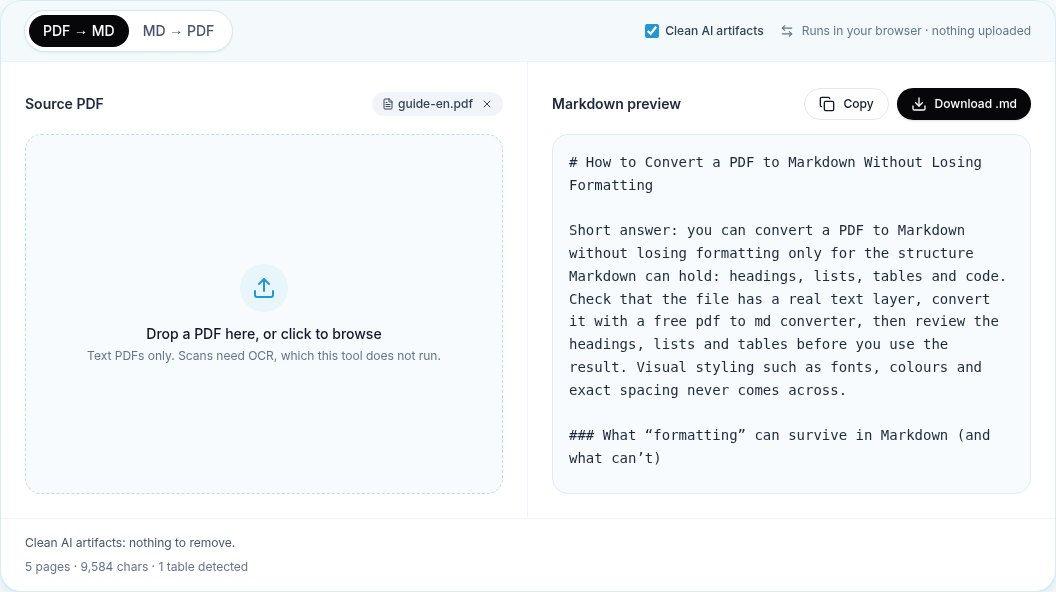
- Convert a text PDF to Markdown with cleanup on, so running headers and page numbers are gone. Our PDF to Markdown converter does this in the browser.
- Check the structure: one
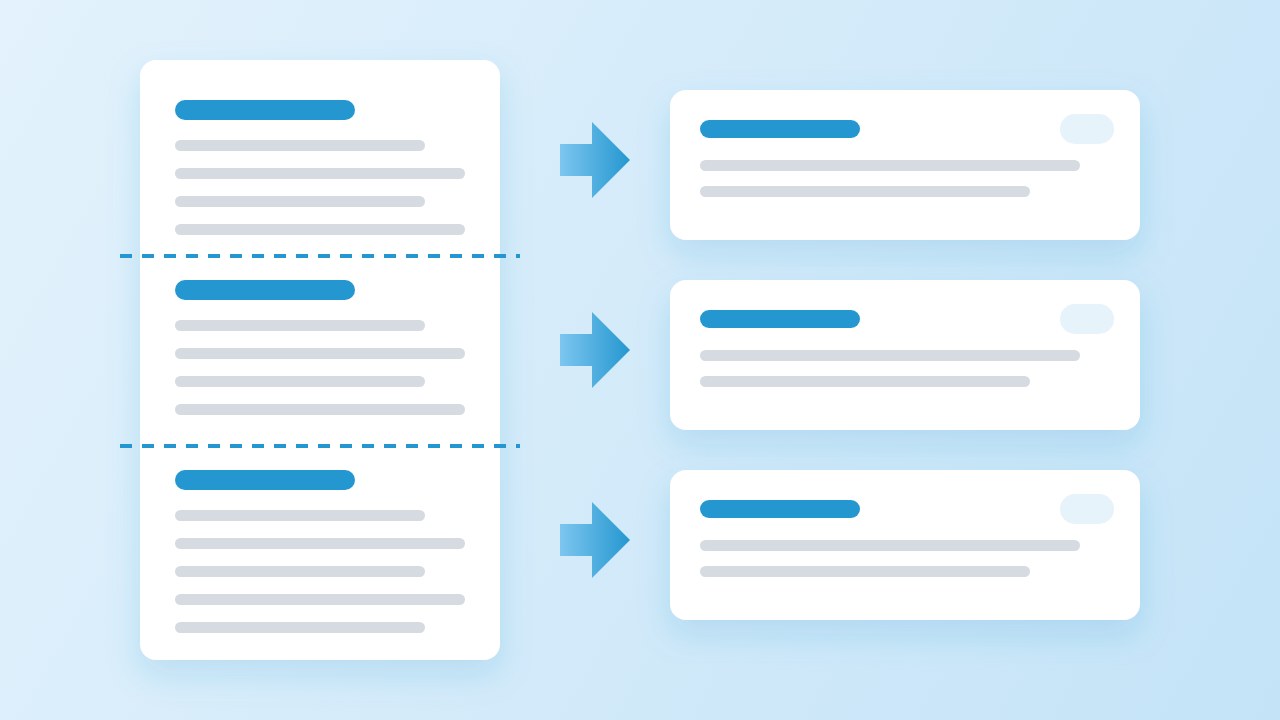
#title,##for sections, tables as pipe tables. Fix any heading that came through as plain text. - Split long files at headings, not at a fixed number of characters, so every chunk starts with its own title. This matters most for retrieval systems.
- Put the document first and the question last. Anthropic’s long-context tips recommend this order and report that it improved answers by up to 30 percent in their tests.
- Keep the PDF nearby for charts and figures, and upload it separately when a question is about a picture.
For pipelines rather than one-off chats, the Python route does the same conversion in code, and our local conversion guide covers keeping confidential files on your own machine until you choose to send them.
When the PDF is still the right choice
Markdown is not the best file format for chatgpt to read in every case. Keep the original when the meaning lives in the picture: charts and diagrams, scanned pages (Markdown from a scan is empty unless someone runs OCR), forms where position matters, and slides where layout is the message. In those cases the PDF itself is the best document format for ChatGPT: the page images the provider adds are exactly what you need, and the extra tokens are worth paying.
For a long report, the best document format for ChatGPT is often a mix: send the Markdown for the text, and the two or three pages with charts as a separate PDF or as images. You get the cheap, structured version for most questions and the visual version when it matters. Name the two files clearly, for example report.md and report-charts.pdf, and say in the prompt which one holds the figures, so the model knows where to look before it answers.
Sources
- File inputs (PDF files) — OpenAI API documentation
- GPT-4.1 Prompting Guide — OpenAI Cookbook, 2025
- PDF support — Anthropic, Claude documentation
- Long context prompting tips — Anthropic, Claude documentation
- tiktoken — OpenAI, GitHub
FAQ
What is the best document format for ChatGPT?
For text documents, Markdown: it keeps headings, lists and tables and costs about as many tokens as plain text. Use the PDF for charts and scans, CSV for data and JSON for records a program will read.
Is PDF or Markdown the best document format for ChatGPT?
Paste or upload Markdown when the content is text. A PDF is read as extracted text plus page images, which costs more tokens and keeps headers, footers and page numbers mixed into the text.
Does Markdown use fewer tokens than plain text?
Barely. In our tests the two were within about 1% across four files. Markdown came out smaller only where our converter removed running headers and page numbers.
Is JSON a good format for documents?
Not for reading. In our tests pretty-printed JSON cost 36% more tokens than Markdown, and OpenAI’s guide notes it performed poorly for long-context documents. Use it for structured records.
Can ChatGPT read scanned PDFs?
Models that see page images can read some scanned pages. A Markdown conversion of a scan is empty without OCR, so for scans, send the PDF or run OCR first.
Should I split a long document before sending it?
For chat, a single well-structured file is usually fine. For retrieval or when you hit context limits, split at headings so each part keeps its title.